EasyManua.ls Logo

AKG PERCEPTION 220 - User Manual

AKG PERCEPTION 220
17 pages
Print Icon
To Next Page IconTo Next Page
Loading...
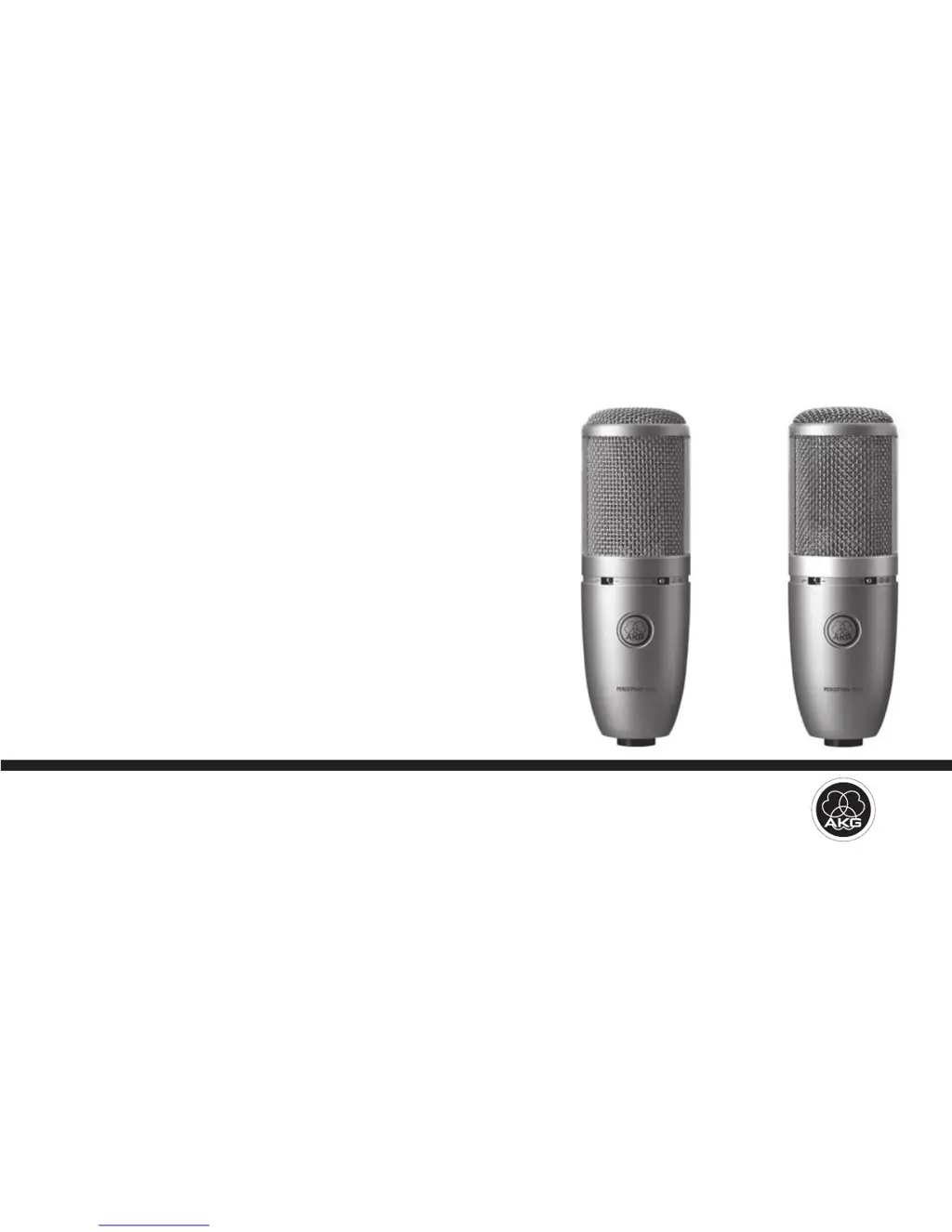
PERCEPTION
120
PERCEPTION
220
User Instructions.............................p. 2
Please read the manual before using the equipment!
Mode d’emploi .............................p. 14
Veuillez lire cette notice avant d’utiliser le système!

Questions and Answers

  • K
    Kevin RodriguezAug 8, 2025
    What to do if my AKG Microphone has no sound?
    • A
      Angela GrahamAug 8, 2025
      If your AKG Microphone isn't producing any sound, there are several potential causes: 1. Ensure that the power to the mixer and/or amplifier is switched on. 2. Check that the channel or master fader on the mixer, or the volume control on the amplifier, is set to the desired level and not at zero. 3. Verify that the microphone is properly connected to the mixer or amplifier. 4. Make sure the cable connectors are securely seated. 5. Inspect the cable for any damage and replace it if necessary. 6. Confirm that there is supply voltage by switching phantom power on, connecting to a power outlet or inserting batteries, and checking/replacing the cable if needed.
  • J
    jill58Aug 18, 2025
    Why does my AKG PERCEPTION 220 Microphone sound distorted?
    • T
      Thomas Gonzalez DDSAug 18, 2025
      If your AKG Microphone's audio is distorted, it could be due to a couple of reasons: 1. The channel gain control on the mixer might be set too high. Try turning the gain control down counter-clockwise. 2. The microphone might be too close to the sound source. Move the microphone further away or switch the preattenuation pad in.
  • B
    bgomezAug 28, 2025
    What to do if my AKG Microphone has crackling noises or low output?
    • J
      Joel RogersAug 28, 2025
      If your AKG Microphone is experiencing crackling noises or low output, it might be due to partial short circuits caused by excessive humidity. To resolve this, place the microphone in a warm, dry room and allow it to dry completely.

Summary

Precaution and Unpacking

Precaution

Ensure equipment meets country safety regulations and has a ground lead.

Unpacking

Verify all listed items are present in the packaging.

Product Description

Introduction

Provides important instructions for setting up and operating the equipment.

Features

Highlights key features like cardioid pattern, gold-sputtered diaphragm, and all-metal body.

Interfacing and Connection

General

Notes that section applies to both PERCEPTION 120 and 220 models.

Pinout

Details the balanced output on the 3-pin male XLR connector.

Connecting the Microphone

Step-by-step guide on connecting the microphone using an XLR cable.

Using Your Microphone

General Hints

Provides guidance on microphone placement and handling for optimal sound.

Cleaning

Troubleshooting

PERCEPTION 120 Specifications

PERCEPTION 220 Specifications

FCC Statement

International Page

AKG PERCEPTION 220 Specifications

General IconGeneral
TypeStudio microphone
Microphone frequency20 - 20000 Hz
Microphone input impedance1000 Ω
XLR outYes
Device interfaceXLR-3
Connectivity technologyWired
Product colorBlue, Metallic, Nickel
Weight and Dimensions IconWeight and Dimensions
Microphone weight525 g
Microphone dimensions (D x H)53 x 165 mm

Related product manuals