EasyManua.ls Logo

AKG P170 - User Manual

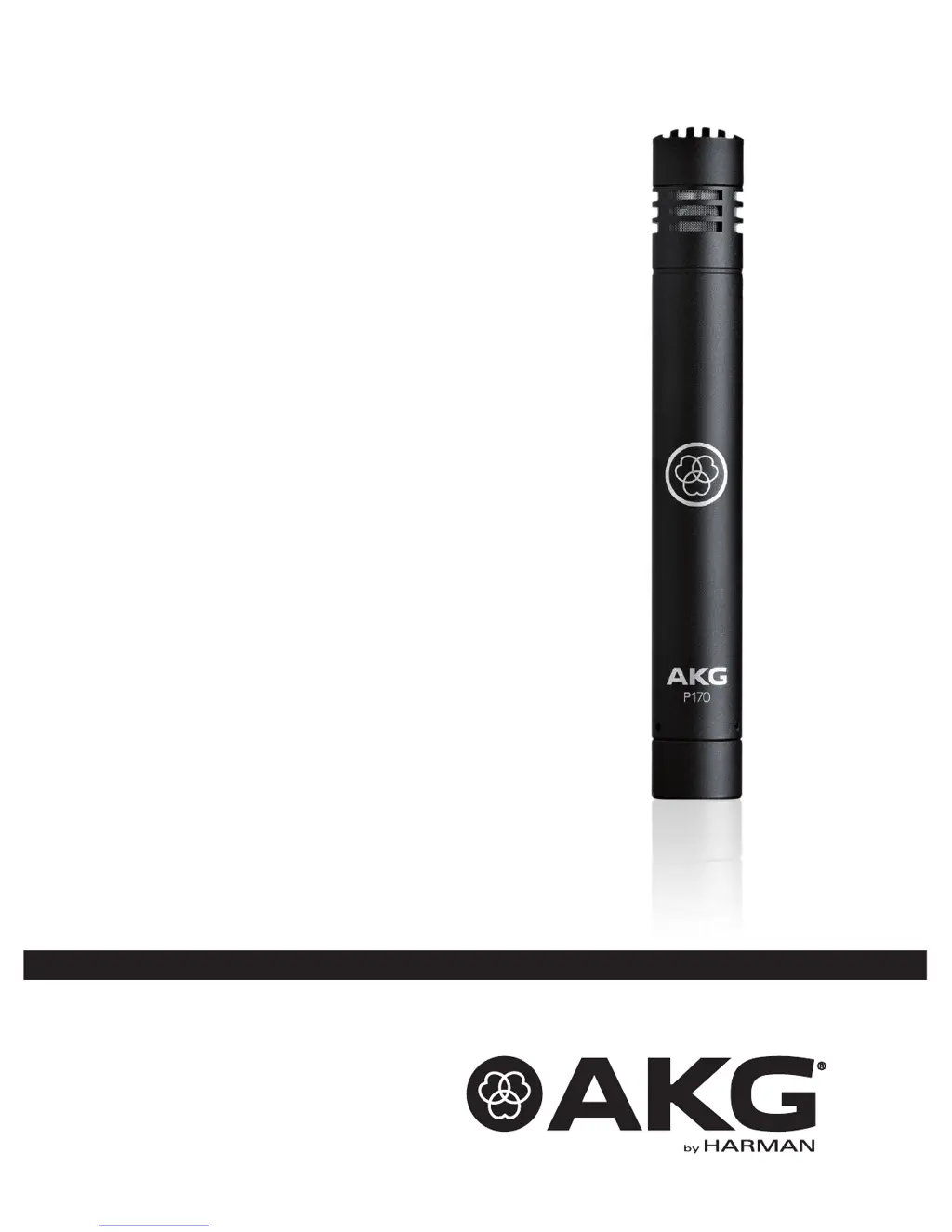
AKG P170
44 pages
Go to English
Print Icon
To Next Page IconTo Next Page
Loading...
BEDIENUNGSANLEITUNG
.................................
2
Bitte vor Inbetriebnahme des Gerätes lesen!
USER INSTRUCTIONS ..................................... 12
Please read the manual before using the equipment!
MODE D’EMPLOI ............................................ 22
Veuillez lire cette notice avant d’utiliser le système!
MODO DE EMPLEO......................................... 32
¡Sirvase leer el manual antes de utilizar el equipo!
P170

Questions and Answers

  • T
    Tiffany RodriguezJul 27, 2025
    How to troubleshoot no sound from AKG P170 Microphone?
    • M
      Mark CampbellJul 27, 2025
      If your AKG Microphone produces no sound, ensure the power to the mixer or amplifier is switched on. Check that the channel or master fader on the mixer, or the volume control on the amplifier, is set to the desired level, and verify the microphone is properly connected to the mixer or amplifier. Also, make sure the cable connectors are securely seated and that the cable is not defective. If phantom power is required, ensure it is switched on and check/replace the cable if necessary.
  • D
    danyoungAug 5, 2025
    What to do if my AKG P170 Microphone has distortion?
    • E
      eric96Aug 5, 2025
      If you are experiencing distortion with your AKG Microphone, try turning the channel gain control on the mixer down (CCW). Also, ensure the microphone is not too close to the sound source. If the sensitivity is set too high, switch the preattenuation pad in.
  • D
    Deborah PattersonAug 15, 2025
    Why does my AKG P170 Microphone have crackling noises or low output?
    • M
      Michael MooreAug 15, 2025
      If your AKG Microphone is producing crackling noises or has low output, it might be due to partial short circuits caused by excessive humidity. Place the microphone in a warm, dry room and allow it to dry.

Summary

Safety and the Environment

Environment

Details on recycling and disposal of product and packaging.

Description

Introduction

Welcome message and advice to read instructions carefully.

Contents

Lists all items included in the packaging for the system.

Optional Accessories

Lists optional accessories available for the microphone.

Short description

Provides a brief overview of the P170 microphone's design.

Features

Details microphone characteristics: cardioid pattern, diaphragm, body, headroom, pad.

Connecting to Audio Equipment

General

Explains the need for 48V phantom power and transducer type.

Pinout

Defines the pin configuration for the 3-pin XLR connector.

Connecting the Microphone

Step-by-step guide for connecting the microphone using an XLR cable.

Operation

Operating instructions

Guidance on microphone placement, usage, and handling different sound sources.

Cleaning

Microphone

Instructions for cleaning the microphone body using a soft, moist cloth.

Troubleshooting

Technical data

AKG P170 Specifications

General IconGeneral
Type-
Microphone frequency20 - 20000 Hz
Microphone direction typeCardioid
Device interfacemini XLR (3-pin)
Connectivity technologyWired
Signal-to-Noise Ratio (SNR)75 dB
Product colorBlack
Weight and Dimensions IconWeight and Dimensions
Height160 mm

Related product manuals