D146H002 Ed.02
3.- Initial Setup
3.1.- Wizard (not available in thermometers)
The Darwin range controllers have a setup wizard to configure the main parameters for
the type of application chosen (see table). The other parameters will be configured
according to the "Def" column in the parameter table (see section 7.1.3).
For the meaning of each parameter, see section 7.1.3.
This wizard only starts the first time the device is powered.
To restart the wizard after the initial configuration, restart the controller (turning the power supply on and off) and
before 8 seconds have passed, press the following sequence of keys in the indicated order: N , Q y SET.
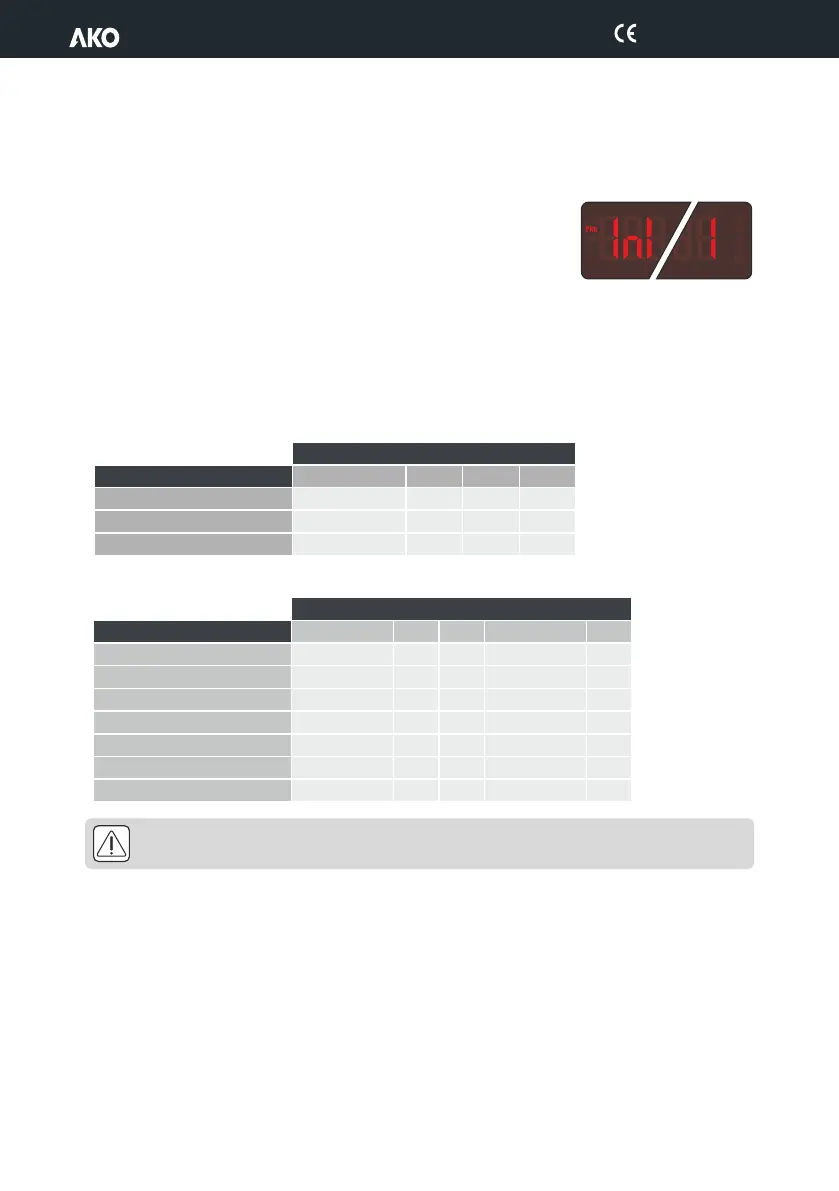
When the device is turned on for the first time, the screen displays the “InI” / “1" alternatively, choose the option
best suited to your facility using the N and Q keys according to the table below:
Thermostats
C
WARNING: The default parameters by type of application have been defined for the most common
applications. Check that these parameters are suitable for your installation.
ontrollers
7


 To Next Page