automatically.
Offset: To set the offset value, it is 60 minutes as default, setting the
clocks an hour ahead of the standard time.
By Date: To set the date schedule for daylight saving time.
By Week: To set the schedule for daylight saving time according to the
week and month.
7. Screen Display Configuration
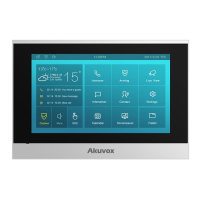
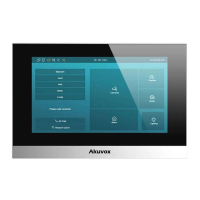
C313 series indoor monitor allow you to enjoy a variety of screen displays to enrich
your visual and operational experience through the customized setting to your
preference.
7.1. Screen Display setting on the Device
You can configure a variety of features of the screen display in terms of brightness
and screen saver, etc. You can do this configuration on device More > Setting >
Display screen.
Parameter Set-up:


 To Next Page
 Loading...