English
2.4 Switching on the display
• automatically, on submerging in water* or when adaptation to atmospheric
pressure is necessary;
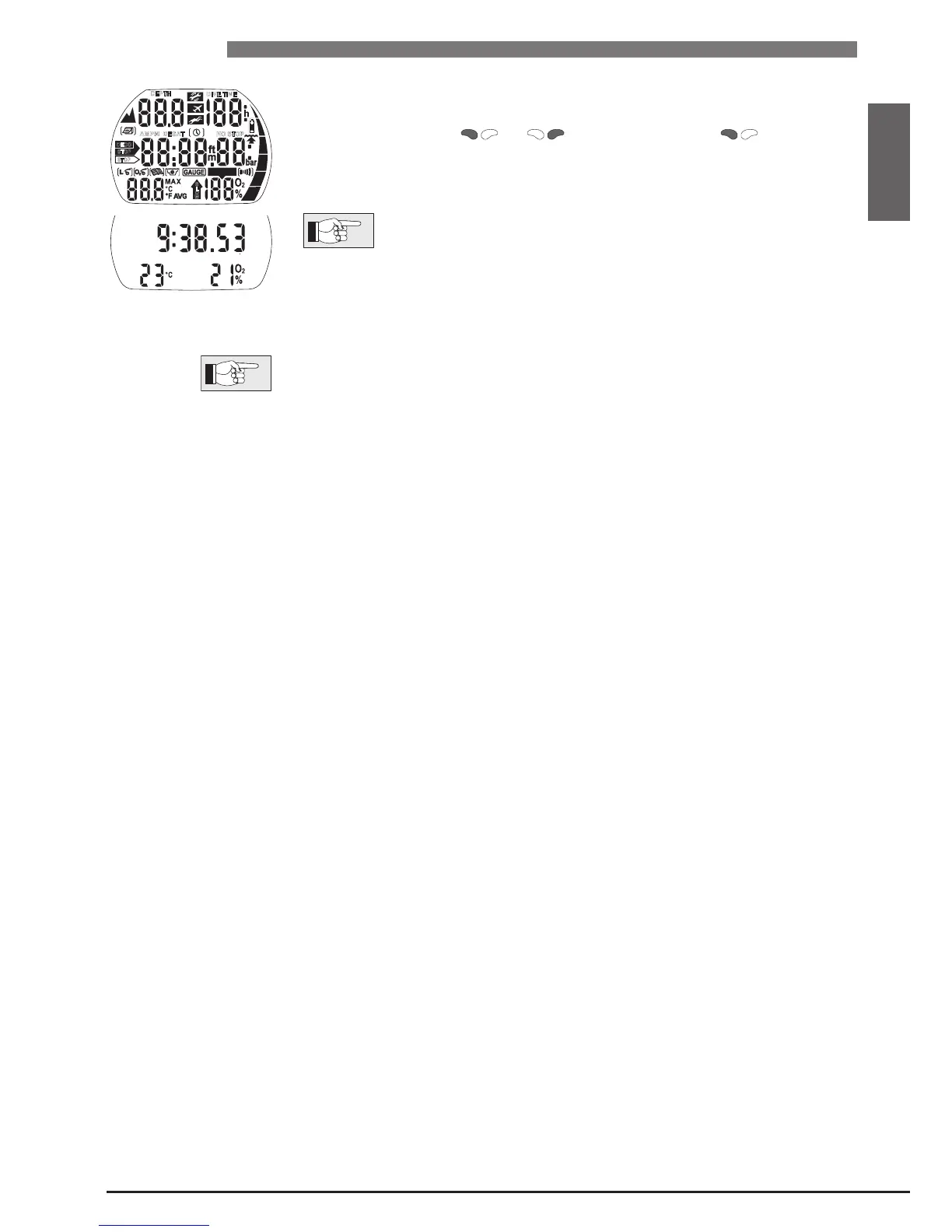
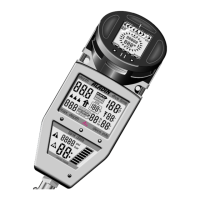
• manually, by pushing or . If switched on with all segments
light up for 5 seconds.
Afterwards the display shows the time of the day, the O
2
mix and the tempera-
ture.
This display is called
time of day display. Most navigation descrip-
tions start from this display. At the surface
Aladin
returns automati-
cally to this display.
If there is a remaining saturation from the last dive or from a change of altitude,
Aladin also displays the "do not fly" time, the "do not fly" icon, the current
altitude range and the prohibited altitude range (->29).
When Aladin is in state of rest no information is displayed but the atmospheric
pressure is continuously monitored. If a change in altitude range is detected,
Aladin switches on for 3 minutes automatically ->29.
* Only if the option
"
Water contacts on
"
(
"
set 1
"
, ->47) is chosen. See warning ->10.


 To Next Page