The display shows:
3) Select the desired vox level (L1, L2 o L3) by means of the
/ buttons. The VOX sensitivity is now adjusted.
Practically, VOX mode allows to choose between high
and low settings. For example, if you speak loudly, (L3)
should be selected; if you speak softly, (L1) should be
selected.
Note:
In sites with very loud background noises, it will be necessary
to set the switch in “L3”.
Delay adjustment
There will be a brief delay between when you finish
talking and the radio trasmits. This delay is adjustable,
and allows you to speak in your own inflexion without
the reception mode starts.
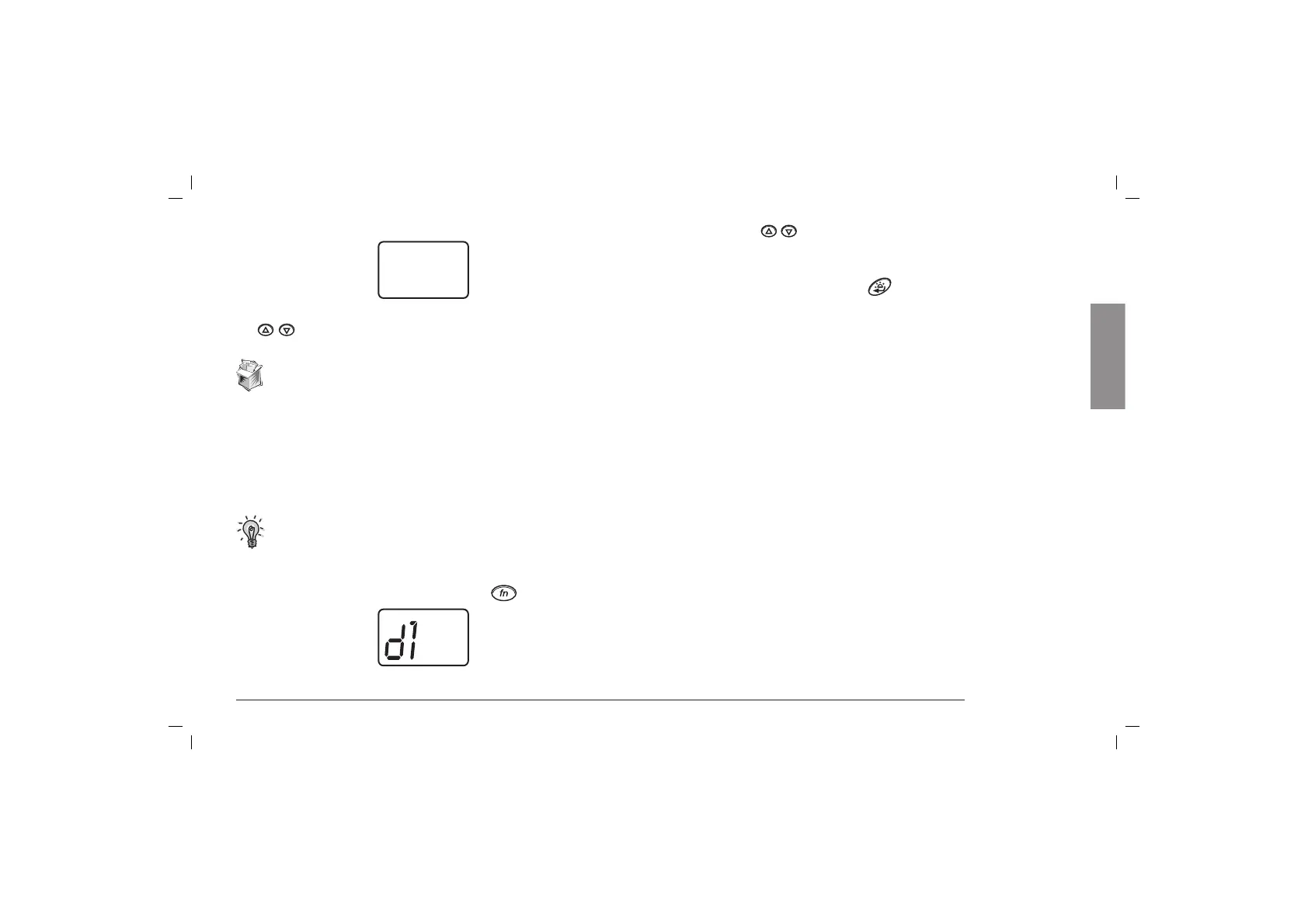
1) To enable this feature, press once the
button. On the
display:
2) Use again the
/ keys to select the delay setting: “d1”,
“d2” or “d3”(“d1” is the shortest and “d3” the longest
delay).
To confirm the selection, press
or turn the unit off.
And now, let’s communicate!! 9
L1
English



 To Next Page