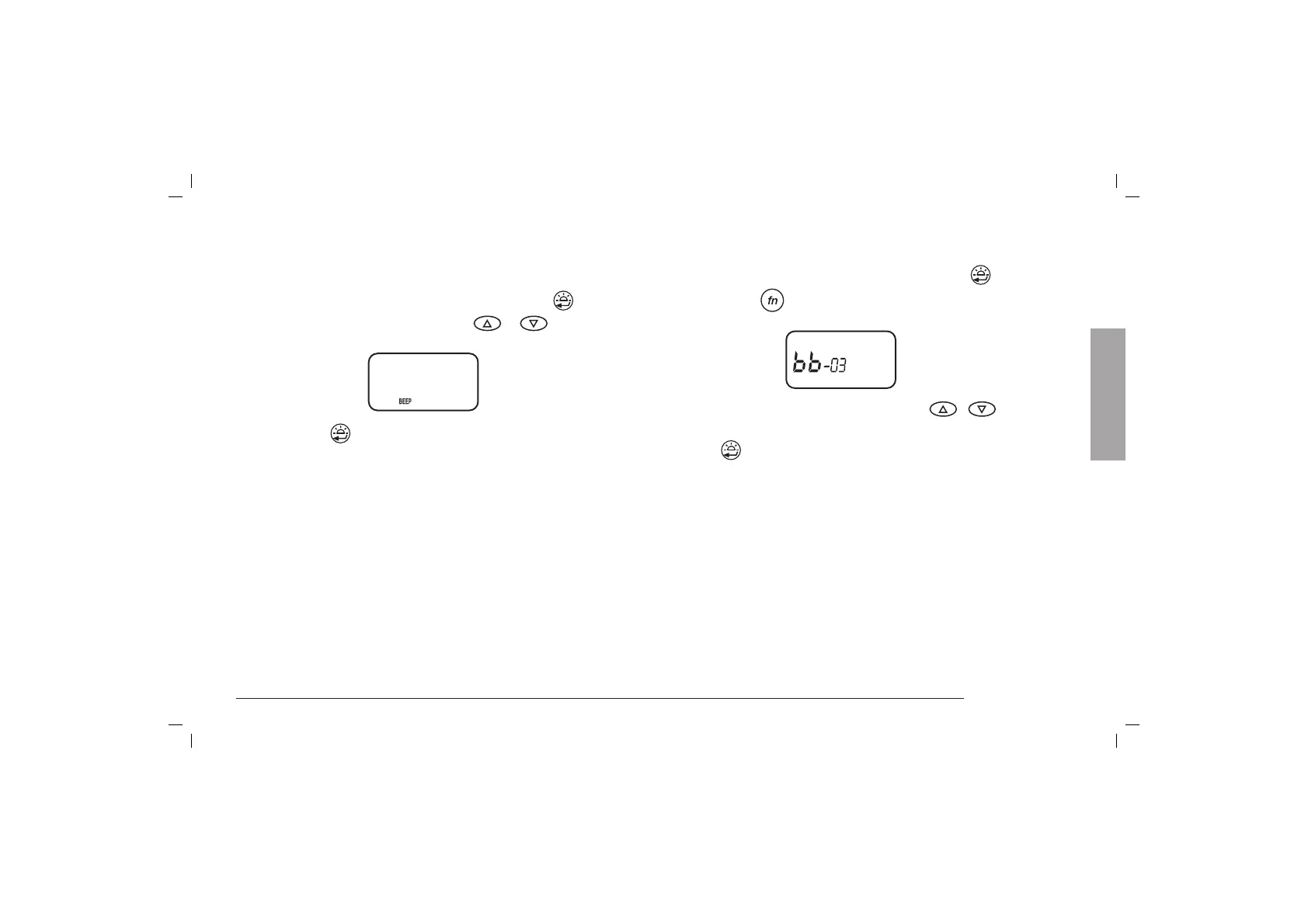
Keypad/switching on beep
When switching on the radio, and pressing every key, (except
for CALL,MON,PTT) the radio sends out a beep. To deactivate
it, follow these instructions:
1. Turn on the unit keeping pressed the
key.
2. Select “BEEP” and “FF” with
/ buttons.
3. Press the
key or turn off the radio to confirm the
operations.
Use of the ALAN 456 as Babyphone
This system is particularly helpful to take care of the baby
while doing housework at the same time.
To use this unit as Babyphone you need firtst of all two PMRs;
ALAN 456 can be used also with other PMRs models, too:
the most important fact hereby is that both devices are
indicated with the same frequency setting. If using another
ALAN 456 for listening, the PTT/VOX switch must be in “PTT”
position.
Main Features 11
FF
Setting up
1. Set the PTT-VOX switch of the transmitter in PTT position.
2. Turn on the unit keeping pressed the
key.
3. Press the
button until the display shows:
4. Select the desired sensitivity level by the
/ keys
(min.01; max 06)
5. Press
key: the display shows “bA-by”. “bA-by” will
be flashing after 1 minute (it indicates the function has
been activated), and the RTX will switch in Stand-by
mode. The display stops flashing and the radio switches
in transmission mode when a signal/voice is heard. The
PMR sends out a note -similar to the CALL note- for 2
seconds. This note is heard from the other PMR in RX
mode: the radio switches in TX mode for 10 secs. When
the transmission is ended, the PMR switches in reception
for 10 secs. This operation will be repeated for 3 times.
BABYSITTER function deactivates all other keys except the
PTT and the lighting of the display.
The level sensitivity must be set as to the distance between
the child and the radio and the background noise level.
English



 To Next Page