Main Features 15
DW: Dual Watch
This function allows to monitor 2 channels at your choice:
1. Turn on the radio.
2. Select the first channel you want to monitor.
3. Press repeatedly the
button until ”DW” blinks on the
display.
4. Select the second channel you want to monitor by means
of
/ keys.
Now the dual watch between the 2 prefixed channels starts
and stops when a carrier is heard on one of the two. Dual
watch restarts when the carrier disappears.
To stop Dual Watch function, press the
key or switch
on/off the radio.
Channel storage
With ALAN 456 you can store 9 combinations of channels
with relative CTCSS –DCS tones.
Storing a channel
1. Turn on the unit
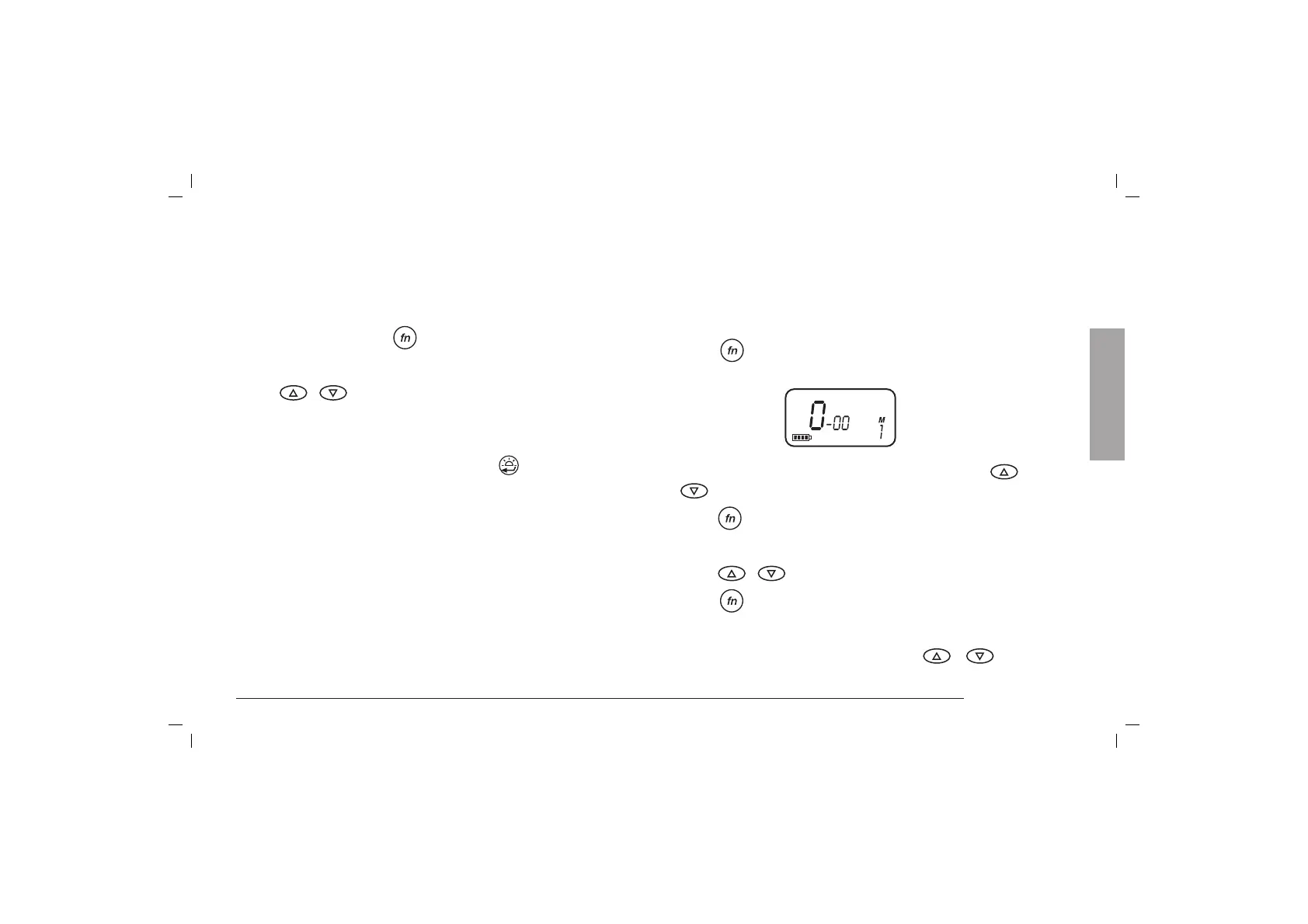
2. Press
button until “M” with number 1 blinks in the
bottom right side of the display:
3. Select the desired memory (from 1 to 9) using
/
keys
4. Press
key: now the first number blinks on the left side
of the display
5. Select the desired channel to be stored ( from 1 to 8)
using
/ keys
6. Press button: you’ll see the flashing on the right of
the channel just stored. CTCSS also blinks in the upper
left side
7. Select the desired CTCSS tone using
/ keys
English



 To Next Page