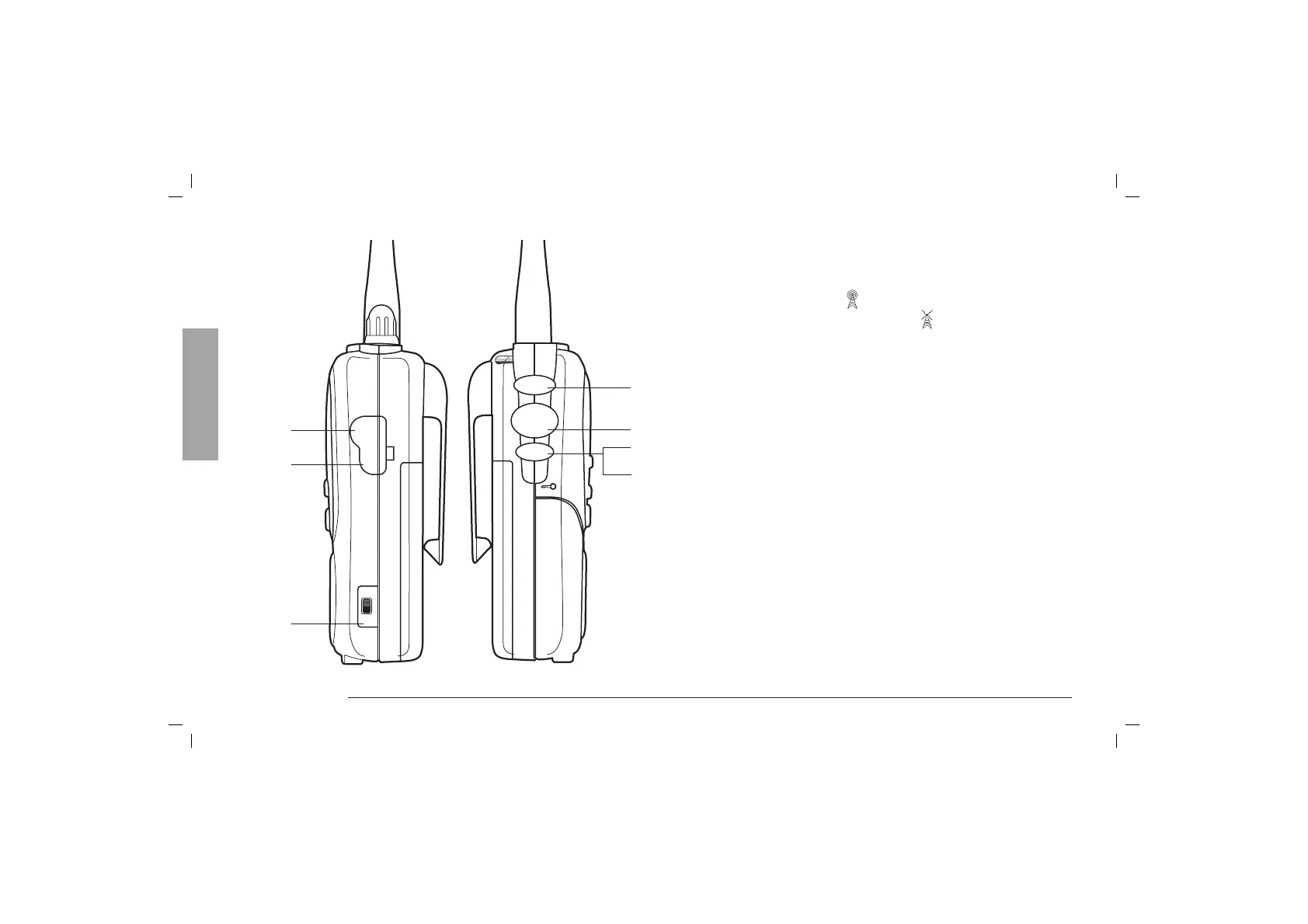
VOX
PTT
INT
CHG
12
13
14
CALL
PTT
MON
11.1
11
10
9
6 Controls and Indicators
9. CALL-Button. By pressing the CALL-Button your ALAN
456 is sending an audio signal to other users on the same
frequency.
10. PTT-Button. By pressing “PTT” button, you can transmit
(the display shows
); by releasing it, you will activate
the receiver (the display shows
).
Attention: To use PTT function, the “PTT/VOX” switch
on the right side of the unit must be in “PTT” position.
11. MON (Monitor) Control. By pressing “MON” control the
automatic squelch or CTCSS/DCS are excluded. With
this operation it is possible to receive low sensitivity
signals or signals without CTCSS/DCS tones. This function
remains operational for 10 secs. about: in case you want
to stop it before, press the “MON” button again for 1 sec.
To lock the keypad, press “MON” for 2 secs. To unlock,
press again for 2 secs.
11.1KEYPAD LOCK. To lock the keypad press “MON” for 2
secs. To unlock, repeat this step.
12. INT Connector (INTERCOM function). The INTERCOM
function permits the internal communication between
motorbike-driver and partner (see paragraph “Intercom
function”).
13. CHG-Connector. External charger connector. Over this
socket batteries can be charged in the device . Recharge
the unit with the apposite charger only. Attention: alkaline
batteries cannot be recharged.
Side (left and right)
English



 To Next Page