EasyManua.ls Logo

Alarm Lock Trilogy PDL6500 - User Manual

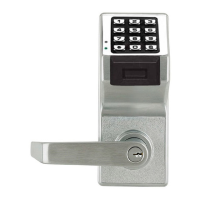
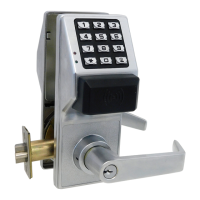
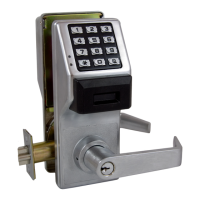
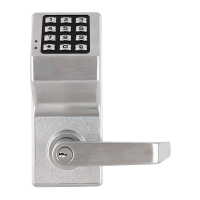
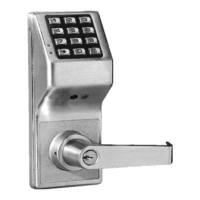
Alarm Lock Trilogy PDL6500
36 pages
Print Icon
To Next Page IconTo Next Page
Loading...
1
Trilogy
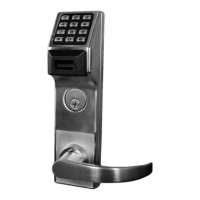
PDL6500 & ETPDLN
Programming Instructions
WI1835A 09/11
345 Bayview Avenue
Amityville, New York 11701
For Sales and Repairs 1-800-ALA-LOCK
For Technical Service 1-800-645-9440
Publicly traded on NASDAQ Symbol: NSSC
© ALARM LOCK 2011
HID
HID CORPORATION
PROXIMITY
CARD
AL-PRE PROXIMITY CARD
READER / ENROLLER
DL-WINDOWS PROGRAMMING
SOFTWARE
PDL6500 & ETPDLN
PROXIMITY KEYFOB
AL-IM SERIES
GATEWAY MODULE
AL-IM80211
AL-IME
AL-IMEPOE
Question and Answer IconNeed help?

Do you have a question about the Alarm Lock Trilogy PDL6500 and is the answer not in the manual?

Summary

PDL6500 & ETPDLN LOCKS

Lock Features

Supported Products

Lock Design Overview

What is Program Mode?

Defines the two operational modes and how to enter Program Mode.

Terminology Used in this Manual

Programming Levels

Master

User Number 1 with full programming control.

Conventions Used in this Manual

Wiring and Power Up

POWER UP

Procedures for initial power application and startup.

ERASE ALL PROGRAMMING

Procedure to reset the lock to factory default settings.

BATTERY REPLACEMENT

Steps for safely replacing the lock's batteries.

Quick Start

First Time Start Up

Step-by-step guide for initial lock installation and setup.

Enter Program Mode and Change Factory Master Code

How to enter programming mode and set a new master code.

Set the Weekday

Procedure for setting the current day of the week.

Set the Date

Procedure for setting the current date.

Set the Time

Procedure for setting the current time.

Enter User Codes

Instructions for adding new user access codes.

Programming Functions-Overview

Change Master Code

Function 1 for altering the master code.

Add;Delete;Change User Codes

Function 2 for managing user access codes.

User Lockout Mode

Functions 6-7 to enable/disable all users.

Clear All Lock Programming

Function 99 to reset all lock settings to factory defaults.

Programming Functions

New Master Code

Step-by-step process to set a new master code.

Adding and Deleting User Codes and;or Proximity Cards

Instructions for programming user codes and proximity cards.

Groups and Scheduled Group 1 Examples

Alarm Lock Trilogy PDL6500 Specifications

General IconGeneral
BrandAlarm Lock
ModelTrilogy PDL6500
CategoryDoor locks
LanguageEnglish

Related product manuals