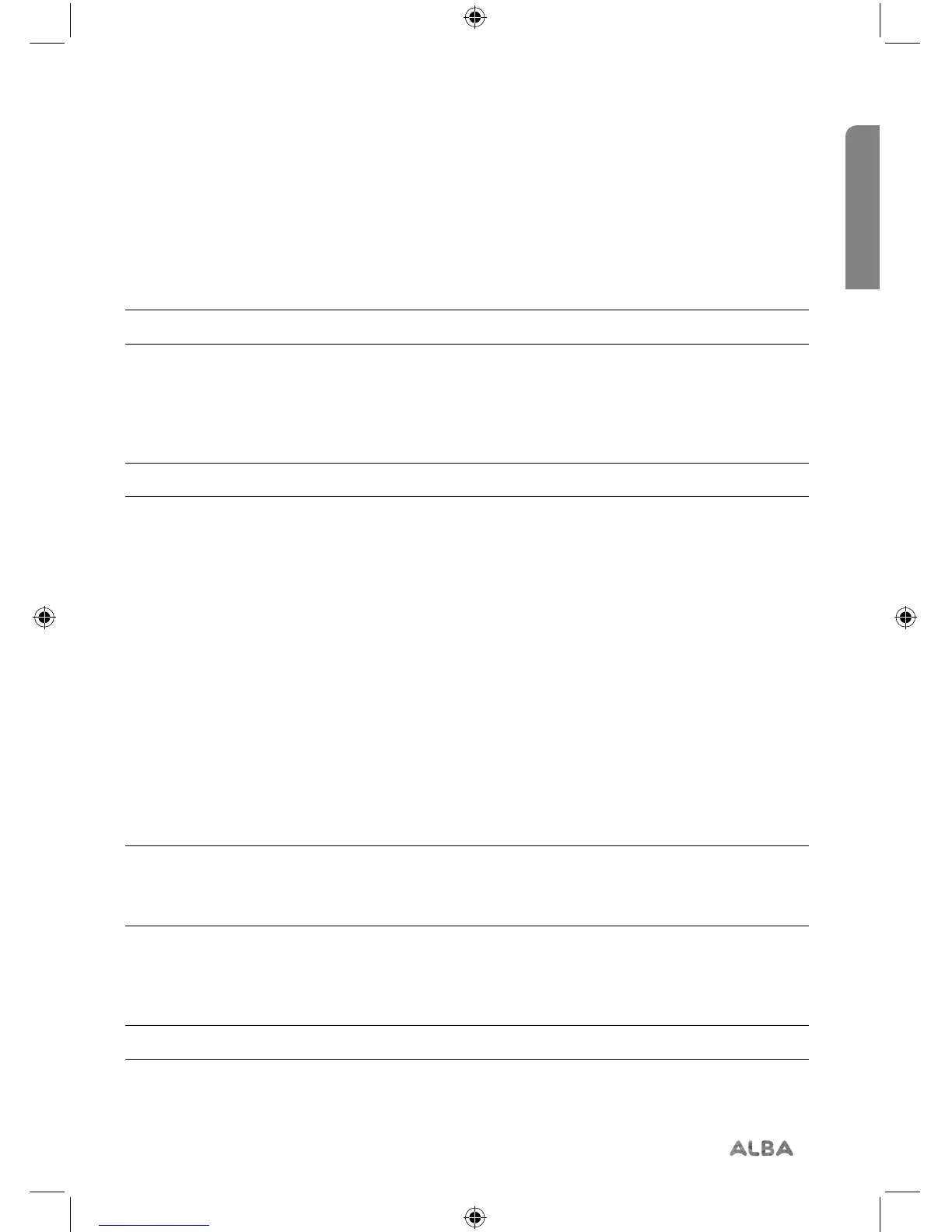
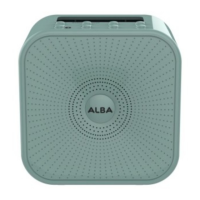
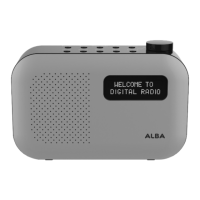
Setting the alarm
Note: Check that the radio has the correct time and date before you set an alarm.
With your radio switched on (not in Standby mode):
1. Press and release the Alarm button.
2. Alarm 1 Setup is displayed.
Note: Press and release the Alarm button again to switch to Alarm 2 Setup.
3. Press and release the Select button.
4. Alarm 1 (or 2) Wizard On time is displayed and the hour digits for the alarm will flash.
5. Press and release the Prev or Next buttons to scroll to the hour for the alarm and press
and release the Select button
6. The minutes will now flash. Press and release the Prev or Next buttons to scroll to the
minutes for the alarm and press and release the Select button.
7. The duration time will now flash. Press and release the Prev or Next buttons to scroll to
the duration for the alarm. You can choose from 15, 30, 45, 60 and 90 minutes. Press
and release the Select button.
8. The source for the alarm will now flash. Press and release the Prev or Next buttons
scroll to the sound source for the alarm. You can choose from Buzzer, DAB or FM.
Press and release the Select button.
Note: If you select DAB or FM radio for the alarm source, ‘Last listened’ will flash in the
display. Press the Select button and the last listened to radio station in DAB or FM, as
appropriate, will be used for your alarm.
9. Press and release the Prev or Next buttons to scroll to the frequency for the alarm. You
can choose from Daily, Once, Weekends or Weekdays. Press and release the Select
button.
Note: If you select ‘Once’, you will then be prompted to set the date for your alarm.


 To Next Page