Mainboard PM73V
27
Appendix I: 6/4/2 Channel Audio Effect
Setup
Channels Setup
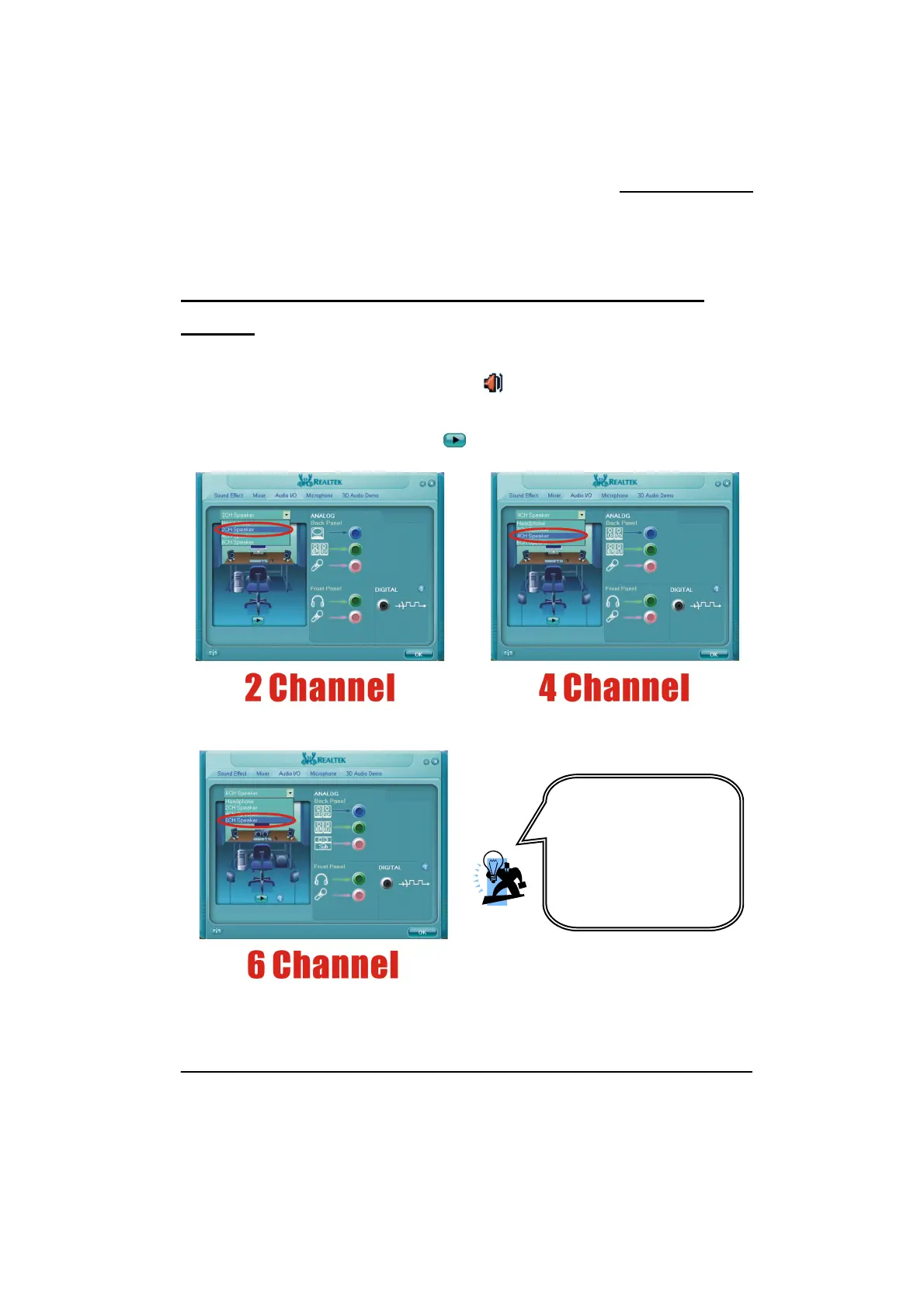
1. After into the system, click the audio icon from the Windows screen.
2. Click “Audio I/O” button, you can see the screen like the picture below.
3. You can choose 2, 4, 6 or 8 channels by your speakers.
4. You can click the “Auto test” button to test your audio devices.
To take advantage of 6
Channel Audio Effects, you
must use audio software that
supports this functionality.
You must also make sure
your software is specifically
configured for 6 Channel
Audio Effect support.



 To Next Page