Mainboard PM73V
12
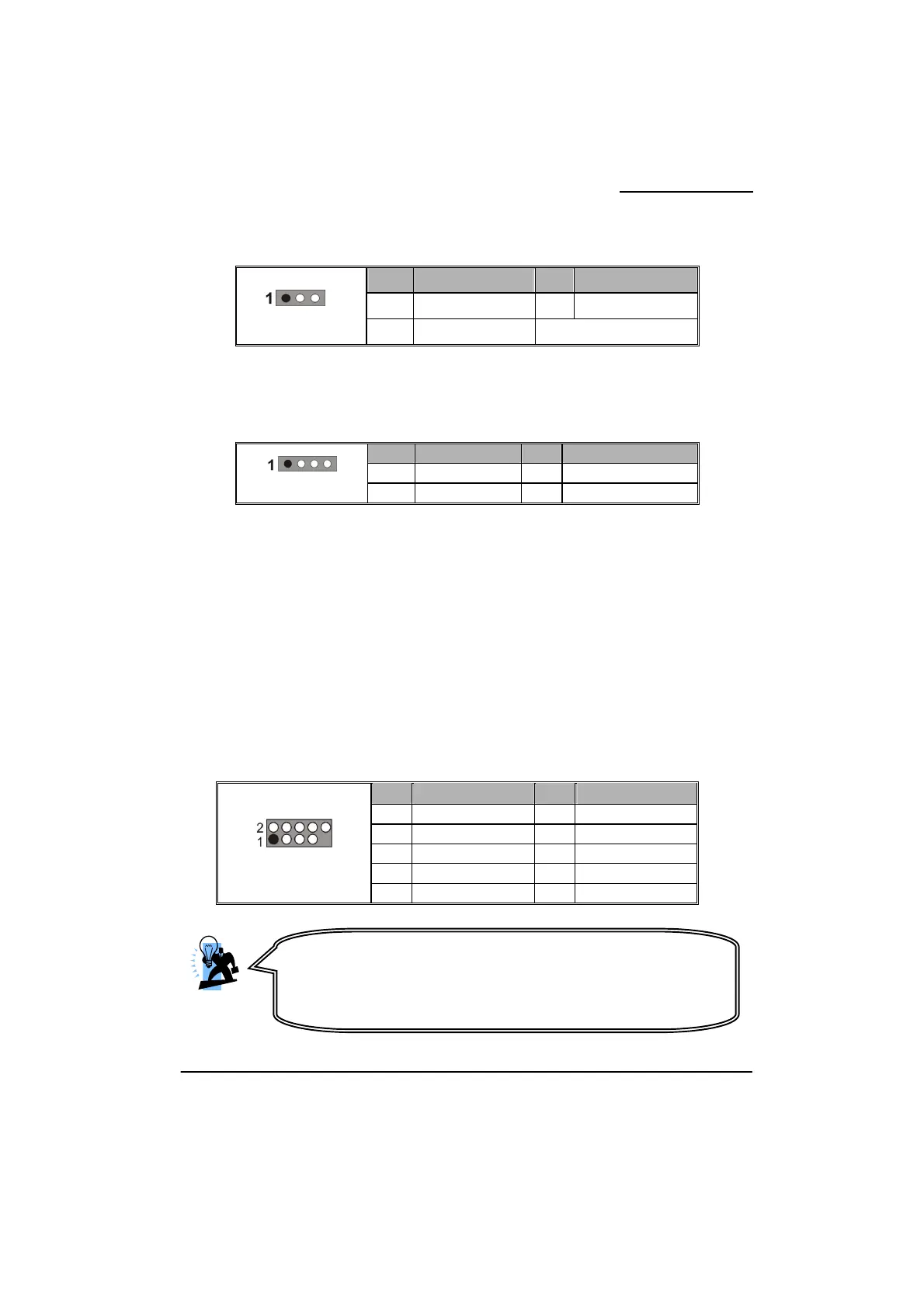
Speaker Header: SPEAK
A speaker cable on your case front panel can be attached to this header. When you reboot the
computer, this speaker will issue a short audible (beep). If there are problems during the Power
On Self-Test, the system will issue an irregular pattern of audible beeps through this speaker.
Headers & Jumpers
Serial Interface Header: COM1
This mainboard provides one COM1 header for you to connect an external serial connector on
the back panel of your case. Attaching the serial connector by a cable (Optional) onto this
header, then you can use the serial connector to attach with a mic, modem or other peripheral
device.
Front USB Header: USB2/ USB3
This mainboard provides four onboard USB 1.1/2.0 ports on the back panel of your case that
attach to USB devices. There are two additional USB headers that can be connected by cables
to four more USB ports on your case front panel giving you a possible eight USB ports.
Pin Assignment Pin Assignment
1 VCC 2 VCC
3 -DATA 4 -DATA
5 +DATA 6 +DATA
7 GND 8 GND
USB2/ USB3
9 Key 10 N/C
Pin Assignment Pin Assignment
1
PWR_LED (+)
2 Key
PWRLED
3
PWR_LED (-)
Pin Assignment Pin Assignment
1 SPKR 2 N/C
SPEAK
3 Ground 4 VCC5
Attention
If you are using a USB 2.0 device with Windows 2000/XP, you will
need to install the USB 2.0 driver from the Microsoft
®
website. If you
are using Service pack 2 (or later) for Windows
®
XP, and using
Service pack4 (or later) for Windows
®
2000, you will not have to install
the driver.



 To Next Page