31English
If the selected station has been saved, you cannot save it again.
Under the preset station list, move to your station, press OK to listen. You may also press ► to enter
its submenu to Delete, Shift Up/Down along the list, Rename or Play.
5.2. Radio Station / Music
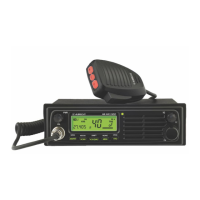
Stations are categorized into Global Top 20, Genre and Country/Location. Enter to continue the
subcategories and choose a station.
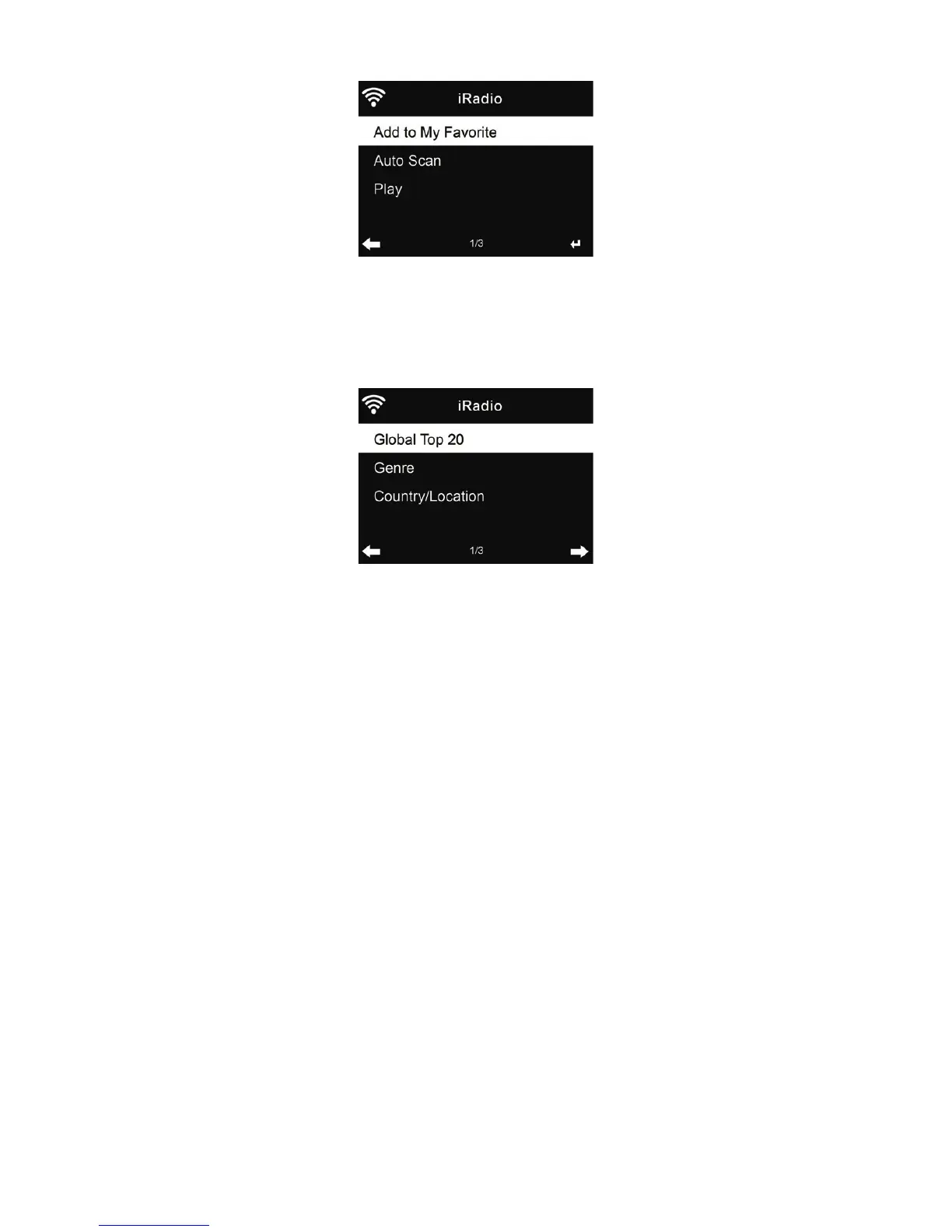
For each station, press OK to play directly. You may press ► to enter its submenu – you can Add
to Favorite, Auto Scan or Play.
When you choose Auto Scan, the radio plays every station in the list for 30 seconds. This will stop
when every station is played or you press the OK button.
5.3. Local Station
In this menu all stations of your local area will be displayed. You can set the local radio setup as
described in chapter 12.14. In the default setting the radio recognizes your location automatically.
5.4. History
Shows you a list of last listened stations. It can save up to 10 history stations.



 To Next Page