42 English
12.13. Weather
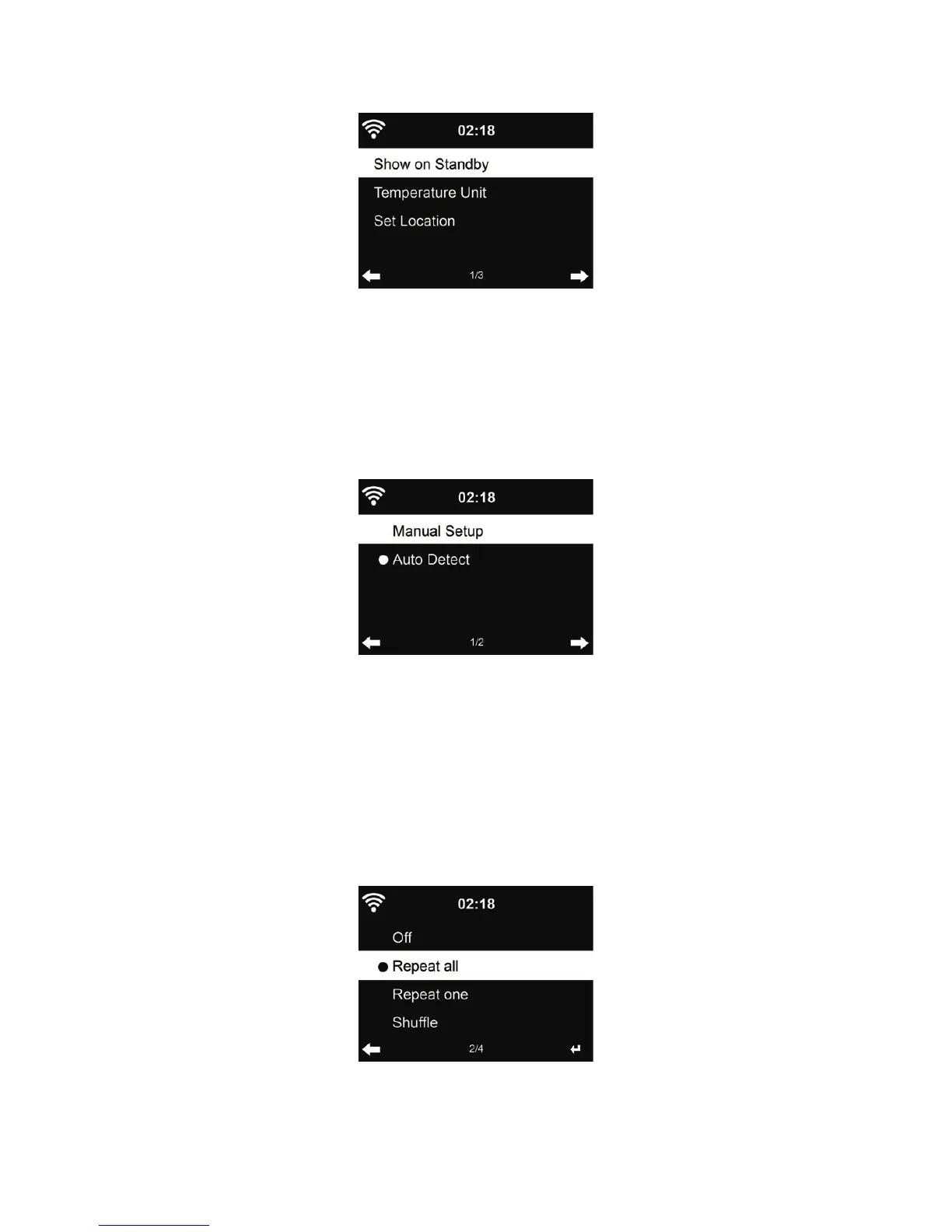
DR 422 is able to display current weather information (refer to chapter 10.10) under standby mode.
Turn on Standby Display and set Temperature Unit (°C or °F) to get the weather displayed at the
standby mode.
When it is turned on, the display will switch between time and weather while being in standby mode.
12.14. Local Radio Setup
There is a shortcut Local Radio under Internet Radio (see section 5.3) so that you can easily go to
the station list of your location.
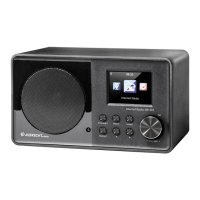
You may Manual Setup your location, or let the system Auto Detect your current location. The
system detects the location according to the IP address of your connected network.
Press Local Station to enter this local radio list directly.
12.15. Playback Setup
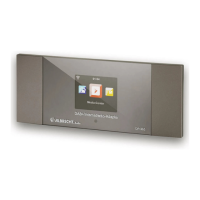
Select the playback mode of media center – Off (no repeat or shuf e), Repeat all, Repeat one, or
Shuf e.



 To Next Page