15
English
5. Basic operations of the radio
5.1. Battery Charging
Please charge the new battery pack before using it. You
can either use the included desktop charger or charge the
radios with the USB-C charging cable.
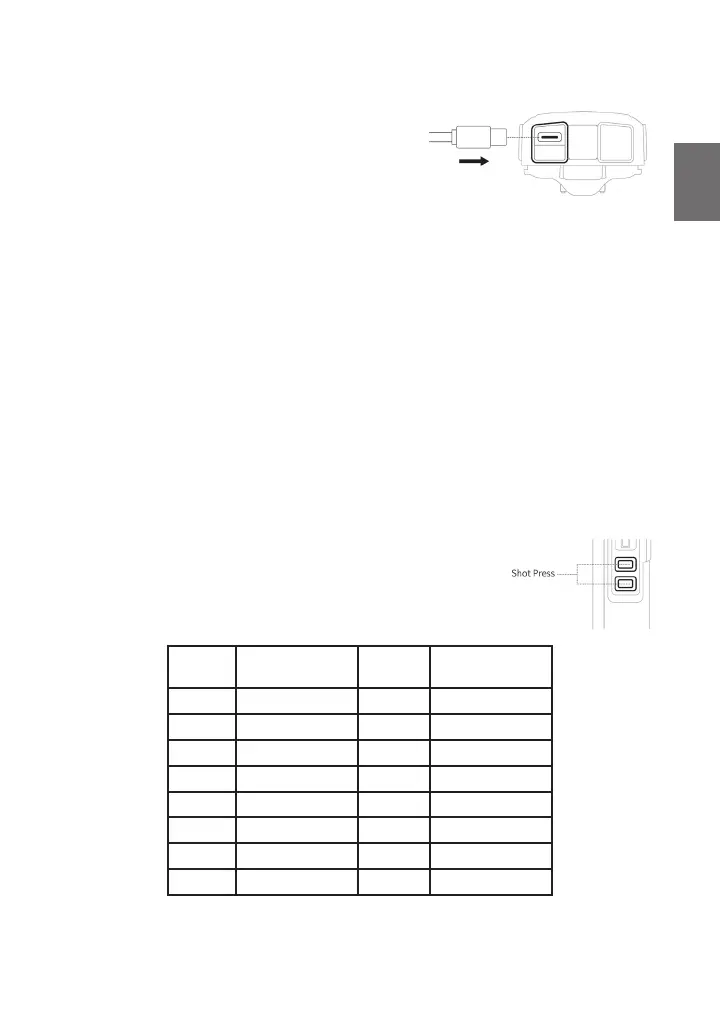
1. Plug the power adaptor into an electric socket and
connect it to the desktop charger with the USB-C
cable.
2. lnsert the Tectalk Worker 3 or the battery alone into the drop-in charging tray.
3. Ensure that the battery‘s contacts connect with the drop-in charging tray properly. While the
charging is taking place, the LED will glow red.
4. After about 3 hours charging, the LED will turn green to indicate that the battery is now fully
charged.
Note$QHZEDWWHU\SDFNZLOOQRWUHDFKLWVIXOOFDSDFLW\DIWHUWKH¿UVWUHFKDUJH,WZLOOWDNHWZRRUWKUHH
charges and discharges to reach full capacity.
5.1.1. Low Battery Voltage Warning
When the voltage is low, the warning „Please charge the battery“ is played every 20 seconds. No
more transmissions are possible and the PTT button will sound an alarm tone.
5.2. Installing a headset / microphone
Insert the plug of the headset into the speaker/mic socket on the right side of the radio unit.
All accessories with “Kenwood” wiring may be used.
Note: The Tectalk Worker 3 is not water resistant when using external accessories. Close the rubber
cover over the sockets if an external headset is not used.
5.3. Selecting a Channel
This radio features 16 real PMR446 channels. These 16
channels have been made available by the authorities just
recently. Older PMR446 radios only support 8 PMR channels.
If you plan to use the Albrecht Tectalk Worker 3 with older 8 channel
UDGLRVRQO\WKH¿UVWHLJKWFKDQQHOVDUHDYDLODEOH
Channel
number
Frequency / MHz Channel
number
Frequency / MHz
1 446.00625 9 446.10625
2 446.01875 10 446.11875
3 446.03125 11 446.13125
4 446.04375 12 446.14375
5 446.05625 13 446.15625
6 446.06875 14 446.16875
7 446.08125 15 446.18125
8 446.09375 16 446.19375



 To Next Page