19
English
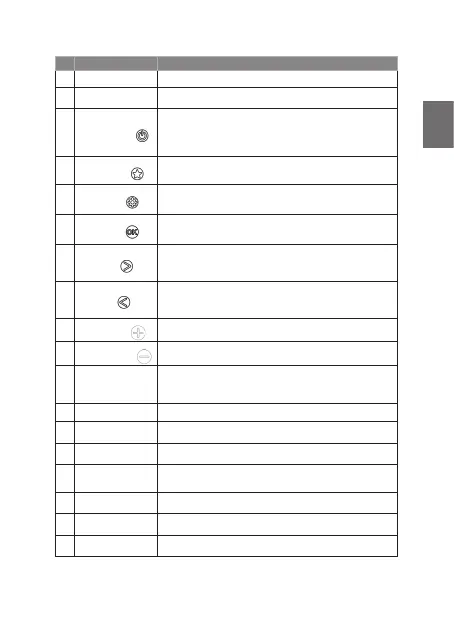
No. Description Function
1 Display Shows information about the current station/song/artist
2 Antenna Extend antenna to full length for best reception
3
On/Off/Mode
Short press: turn radio on / change mode (DAB / FM /
Bluetooth)
Long press: Standby mode / turn off completely when
already in standby
4
Favourites
Short press: open a favourite radio station
Long press: save current radio station to favourites
5
Settings
Short press: toggle radio text information
Long press: enter menu
6
&RQ¿UP
6KRUWSUHVVFRQ¿UPDQ\VHOHFWLRQLQPHQXV
Long press: start full scan in DAB/FM
7
Right
DAB: next radio station
FM: short press +0.05 MHz / long press: search for next
station
8
Left
DAB: previous radio station
FM: short press -0.05 MHz / long press: search for previous
station
9
Volume Up
Increase the volume of the radio
10
Volume Down
Decrease the volume of the radio
11
Torch or
Reading light on/off
Press to activate torch, press again to change torch
,IVRODUSDQHOLVÀLSSHGXSWKHEXWWRQDFWLYDWHVWKHUHDGLQJ
light
12 Thermometer Shows the current temperature in degrees Celsius
13 Torch Bright torch to use during night time
14 Emergency Light (PHUJHQF\OLJKWÀDVKHVLISOS button is pushed
15
USB-C charging /
headphone socket
Use to recharge the integrated battery of Albrecht DR 112
or to connect compatible USB-C headphones
16 USB output Power bank function to charge any mobile device
17 Reset button Hard reset the radio in case of software error
18 Charging Indicator LED glows red while charging and turns off when full



 To Next Page