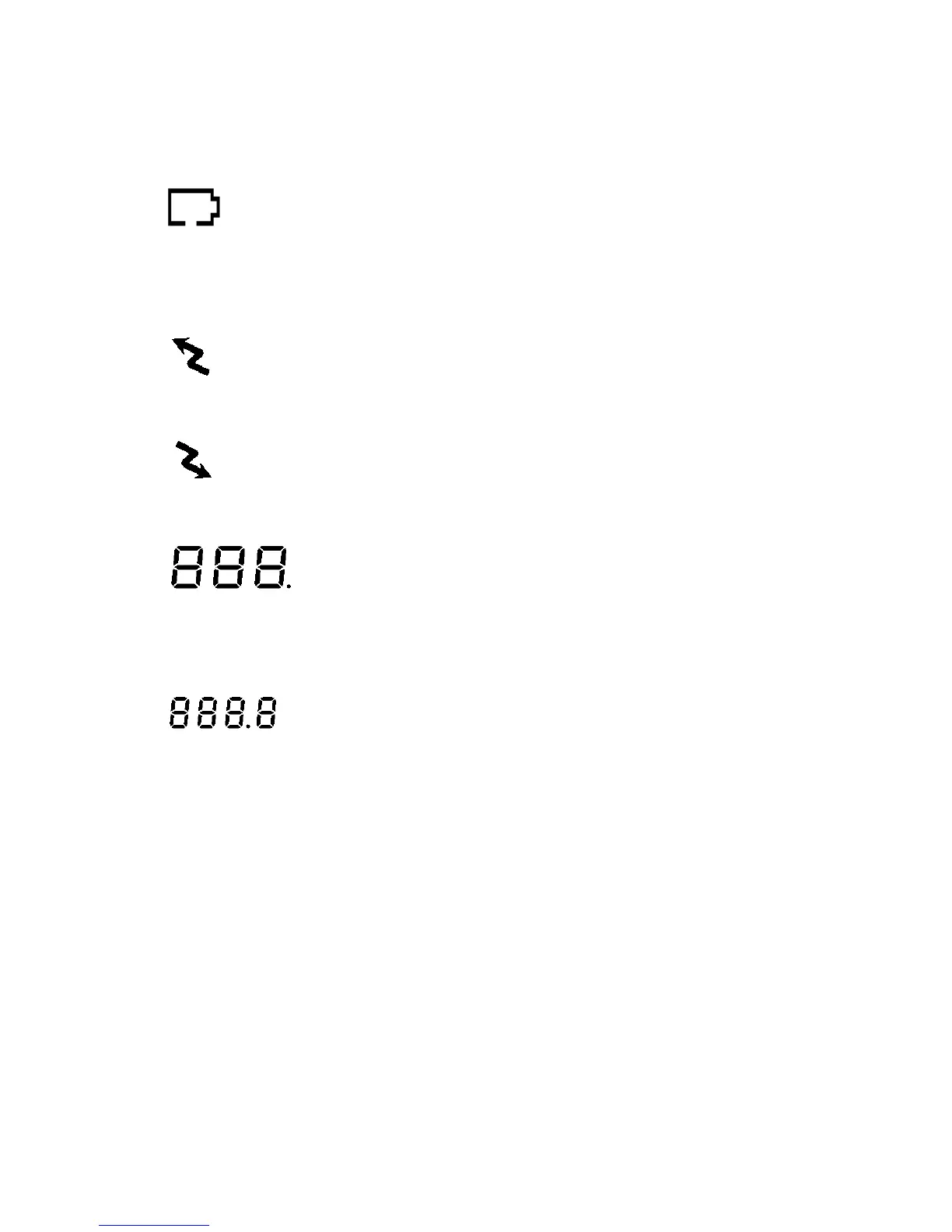
4
Battery Level Meter indicates the remaining battery strength. If a battery becomes too weak
for transmit operation, You will be warned additionally by flashing the red LED every 5
seconds. At a too weak battery state the CPU may switch off the TX operation for some
seconds to allow the batteries to recover.
9. Power Save Display
Blinks when the power save is activated. The rate at which the icon blinks varies with the
power saving ratio. Fast indicates a lower power saving while slow indicates a higher power
saving ratio.
10. Tx Indicator
Appears when a signal is being transmitted.
11. Rx Indicator
Appears when a signal is being received.
12. Large Segment Display
Indicates the channel number in use at the normal mode. When the Function Button is
pressed, it displays the function menu in sequence: CH / cTc / SC / dW / VO / Vdt / ALo /
CAL / ton
13. Small Segment Display
Displays the CTCSS tone option at the normal mode. CTCSS option is displayed in “Hz”.
Displays the SUBMENU of each MENU in the function mode. (e.g. CH 1-8 / cTc: hz / SC: up,
dn / dW: channel number / VO: high, off, low / Vdt 5sec, 3sec, 2sec, 1sec / ALo off, auto /
CAL number 1-7 / ton : no - freq )
CONTROL BUTTON FUNCTIONS
Power ON/OFF (#13)
(
↵
)
•
Power On - Short Touch
Press this button (#13) briefly to turn the unit on. A short confirming melody will play.
•
Power Off - Long Touch
Press this button (#13) for longer than 1.5 seconds to turn the unit off. A short confirming
melody will play.
ENTER BUTTON (#13)
(
↵↵
)
Press it to confirm the required option for respective functions during function edit mode.
Press it briefly in standby mode to convert the display of CTCSS sub code from frequency to









 To Next Page