User manual
8AL91434ENABed01 103 /113
5.7 ALE-108 Wireless Module
5.7.1 Description
The ALE-108 Wireless Module allows you to add wireless features such as Bluetooth® and Wi-Fi for
wireless LAN connection. This device offers a Bluetooth® and WLAN (Wi-Fi) radio interface.
This module is required:
• To connect the ALE-160 WB Cordless Handset.
• To connect a Bluetooth® headset.
• To connect the desk phone to the wireless LAN.
• To use Beacon feature.
Depending on the option, your desk phone can be equipped with the wireless module. In any other case,
you can purchase it separately.
5.7.2 Unboxing
• ALE-108 Wireless Module.
• Installation procedure.
• Safety and regulatory instructions.
5.7.3 Installation
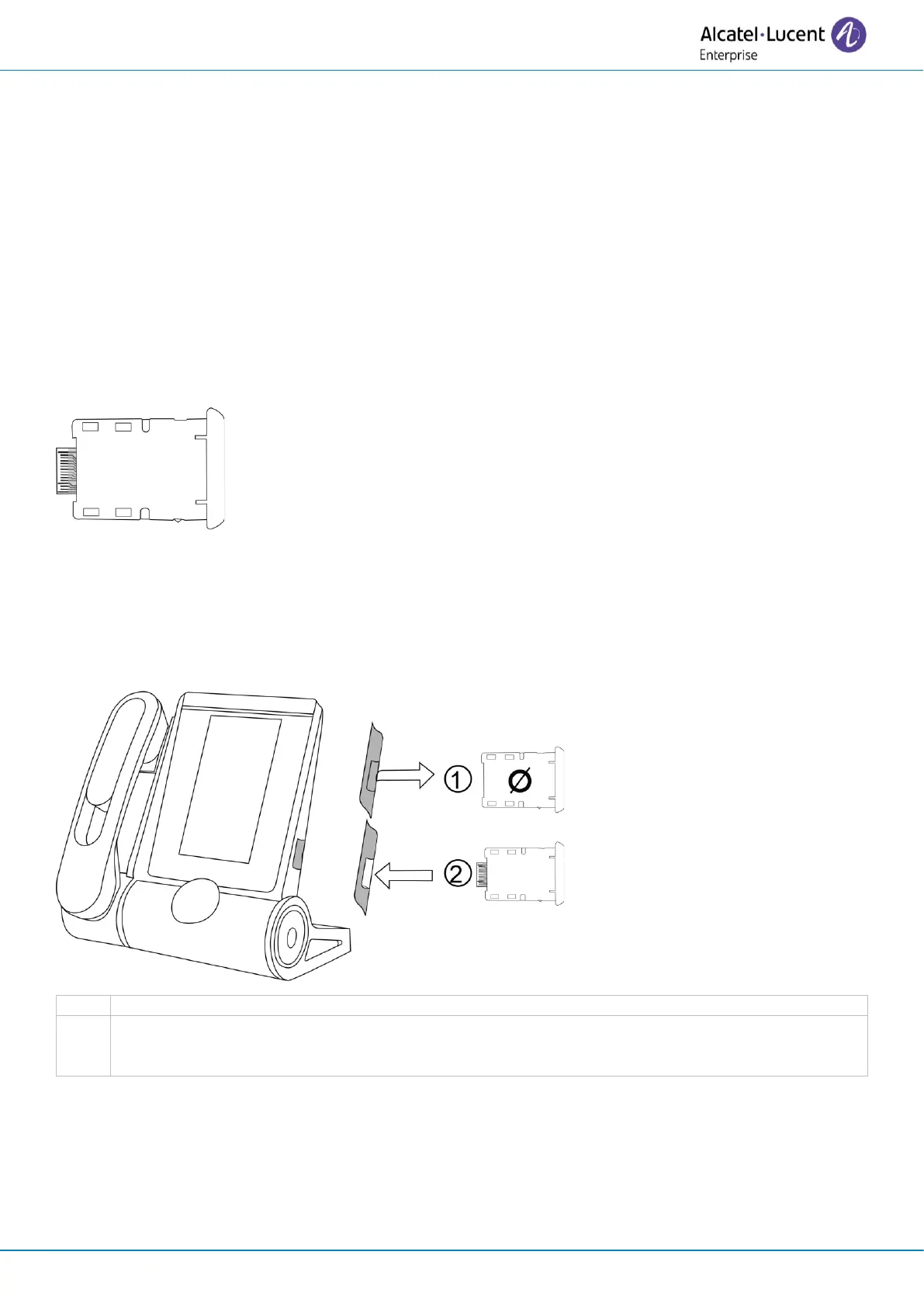
Insert the wireless module (cartridge).
A pop-up is displayed requesting confirmation to enable the cartridge.
The phone restarts.



 To Next Page