User manual
8AL91434ENABed01 39 /113
2.16.2 From the Bluetooth® handset (Bluetooth® wireless handset)
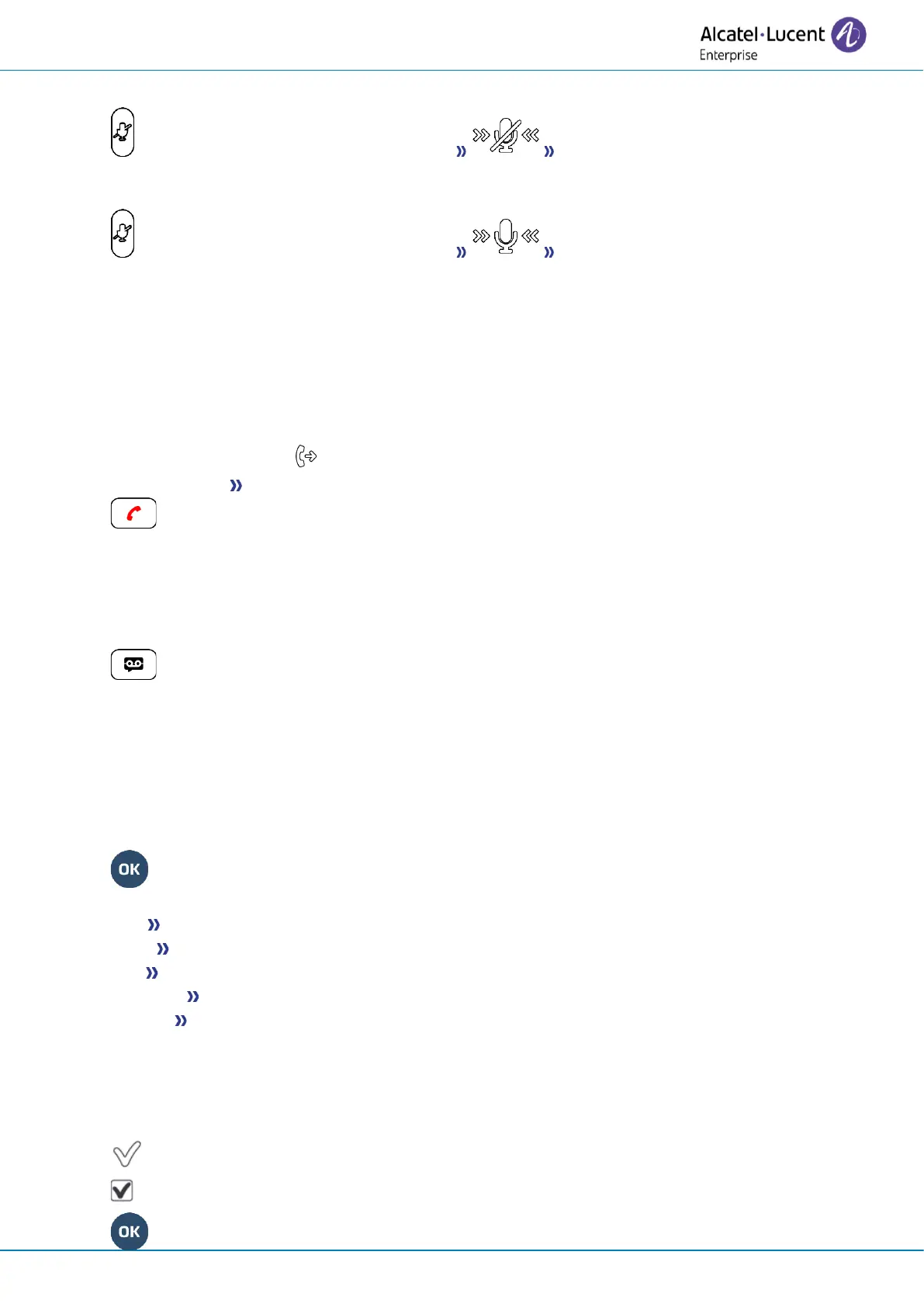
• Press the handset mute key (short press) When muted, the handset leds and the
ring of the Smart Pad are illuminated in red, the mute key on the Smart Pad is illuminated in
blue.
• Press the handset mute key (short press) Enable microphone. The mute button is
dimly lit in blue again and the Smart Pad is lit in blue.
2.16.3 From the headset
• Use the mute key of the headset, if there is one, to disable headset microphone or to resume the
conversation.
2.17 Forwarding calls to your voice message service
• Select the forward icon
• Immediate>VM Forward is acknowledged.
•
2.18 Consulting your voice mailbox
You are notified of a new event when the message key is flashing. New events are also displayed in the
'Info' page.
• Access the messaging portal.
• Select the voice message feature (depending on your phone, use touchscreen or the associated
softkey).
• Enter your password (if required) and apply.
• Select the new voice messages tab. Use left and right navigation key or press directly on the tab
if your phone is equipped with a touch screen.
• Select the message you want to listen to (depending on your phone, use the touchscreen or
navigation keys to position the cursor on the message).
• Select the message to listen to.
Display name of sender, with date, time and ranking of message.
• Play Listen to message.
• Clear Erase message.
• Call Call back sender of message.
• Sendcopy Copy message.
• Send IM Send an instant message.
Acknowledge all new voice messages
Once you start listening to a voice message, the message is automatically acknowledged.However,
you can acknowledge voice messages without listening to them.
• Press the associated softkey.
• Press the associated softkey: Voice msg
•



 To Next Page