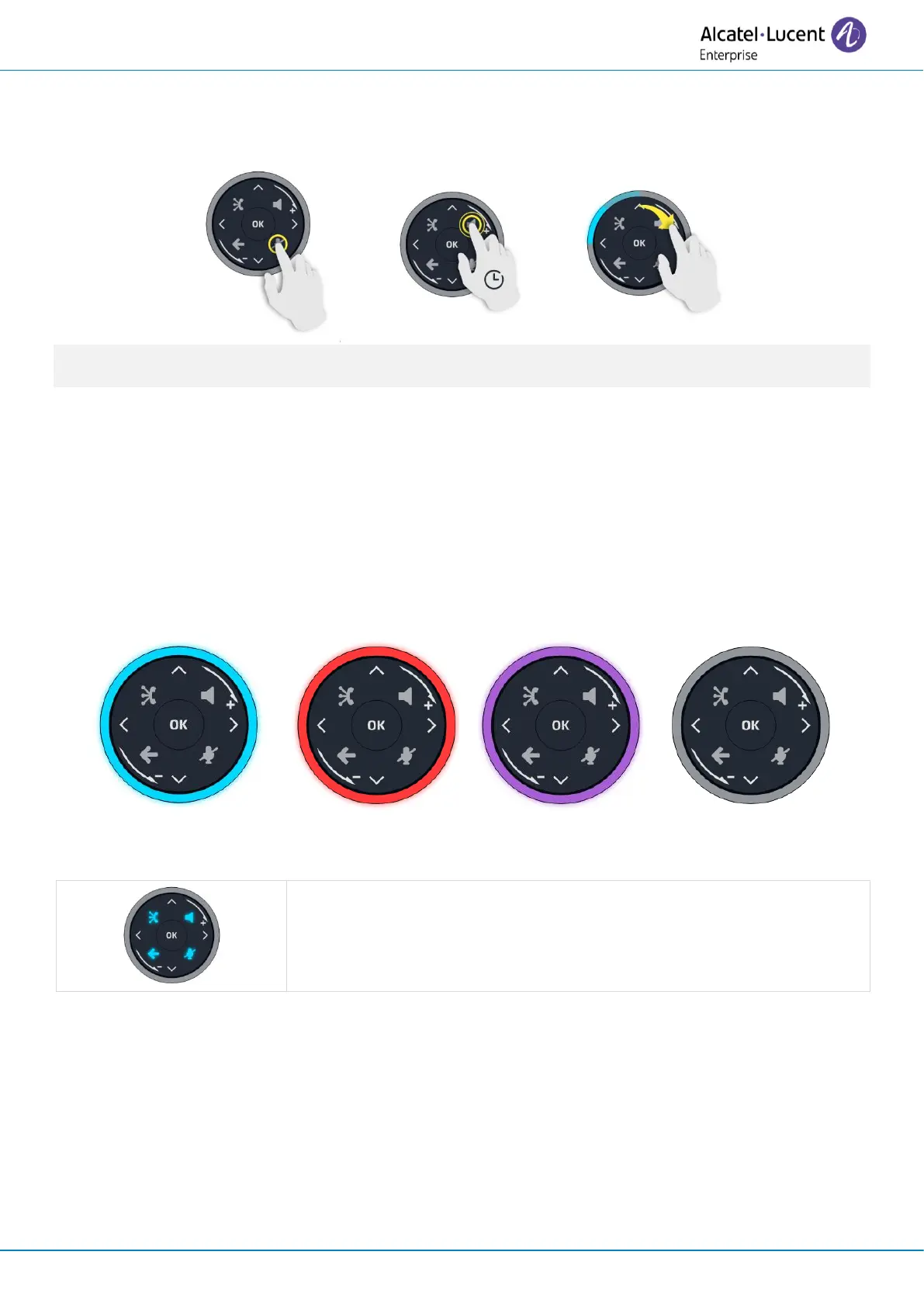
The light ring is not touch sensitive. Please place your finger in the hollow of the Smart Pad for any
actions.
1.7.3 LED
The Smart Pad contains a large number of notifications indicated by the color of the leds.
The ring around the Smart Pad and the keys can light up depending on the event. The ring can light up
completely or partially depending on the case.
1.7.3.1 Smart Pad ring
Smart Pad ring is composed with 8 segments which can be lighted up in blue, red or purple:
4 keys on the Smart Pad are lit in blue when activated. These keys are
dimly lit in blue to show available actions (hands-free, mute, back, exit).



 To Next Page