User manual
8AL91434ENABed01 76 /113
4.10.1 Program a key
If the key is not programmed yet:
• Select the key to program.
• Name: enter the name of the key.
•
• Number: enter the number to associate with the key.
•
•
If the key is already programmed:
• long press (oR Reach the 'Menu' page Settings Keys)
• Select the key to program.
• Name: enter the name of the key.
•
• Number: enter the number to associate with the key.
•
•
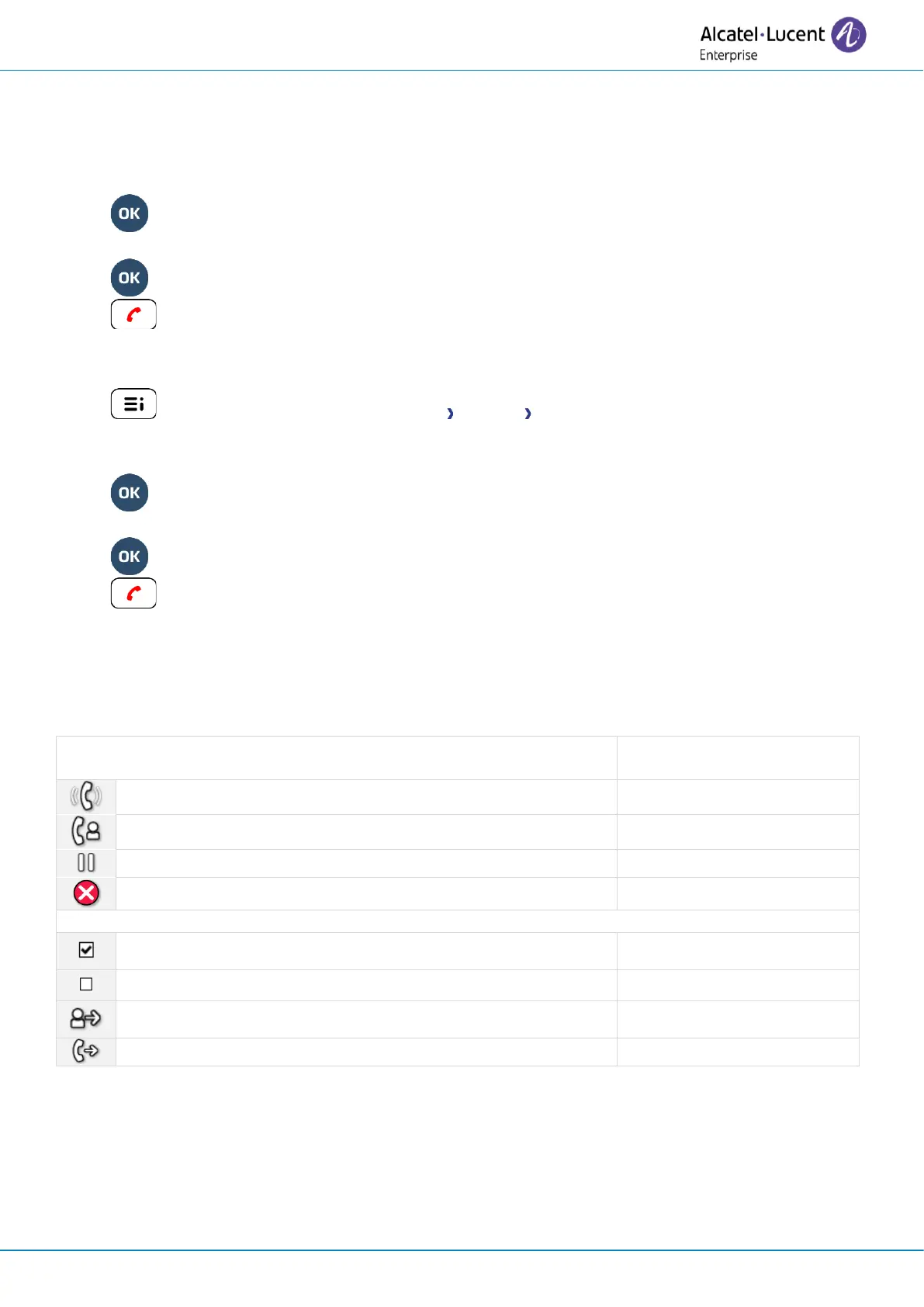
4.10.2 Icon description / LED description
The icons displayed depend on the system configuration. Some keys must be programmed by your
administrator. Led behavior may differ depending on the system configuration. For more information,
contact your installer or administrator.



 To Next Page