............................................................................................................................................................................................................................................................
The Configure Reports PanelConfiguring Reports
15-2
365-360-001R6.0
Issue 1, December 2008
............................................................................................................................................................................................................................................................
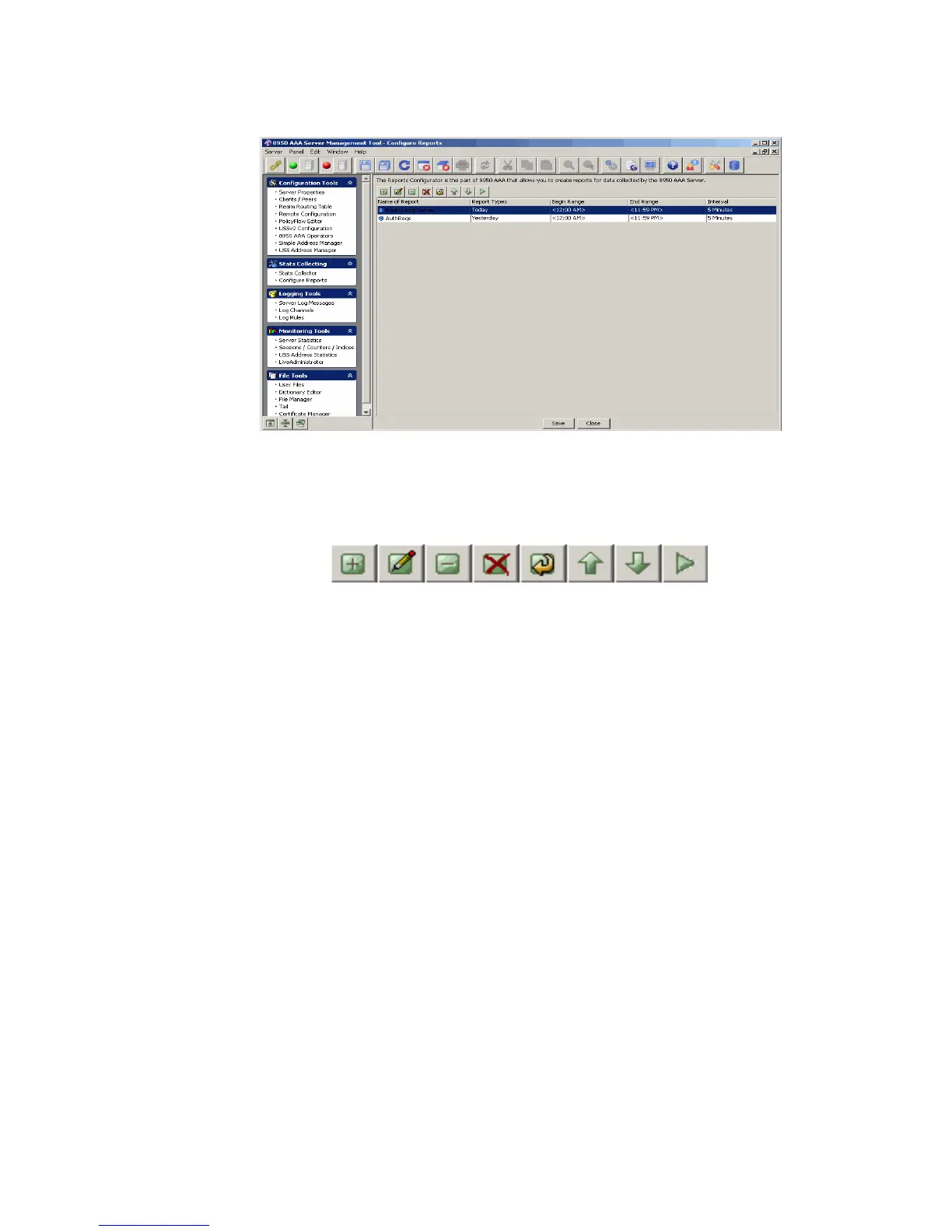
Figure 15-2 Configure Reports Panel
The Configure Reports panel (Figure 15-2) contains five columns and a set of Action
Buttons that appear at the top of the screen, as shown in Figure 15-3.
Figure 15-3 Configure Reports Panel– Action buttons
These action buttons allow you to perform the following actions:
• Insert a record
• Edit selected record
• Delete selected record
• Delete all records
• Make a copy of selected record
• Move selected record up
• Move selected record down
• Run selected report
You can perform any of the required actions using these action buttons.



 To Next Page