Creating and Managing User ProfilesCreating and Managing User Profiles with the Built-in
Database
............................................................................................................................................................................................................................................................
365-360-001R6.0
Issue 1, December 2008
23-17
............................................................................................................................................................................................................................................................
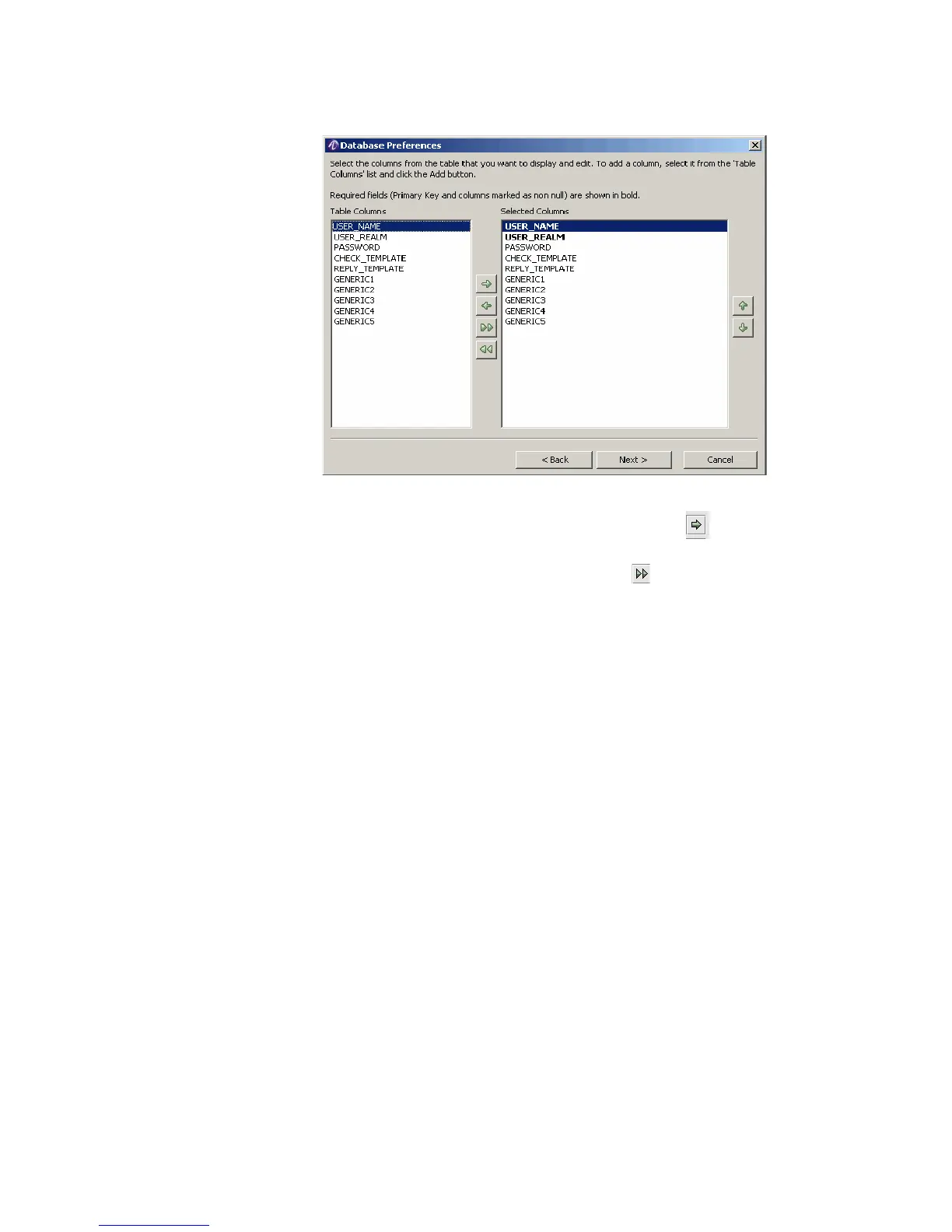
Figure 23-18 Database Preferences–Selected Columns
2. Use this window to determine the table columns to be displayed. To do this, select a
name from the Table Columns list and click the Add button . The name appears
within the Selected Columns list.
To select all table columns, click the Add All button .
Bold Table Column names indicate columns that are required.
When done, click Next on the Database Preferences window.
Result: The Database Preferences window appears as shown in Figure 23-19.



 To Next Page