............................................................................................................................................................................................................................................................
Creating and Managing User ProfilesCreating and Managing User Profiles with the Built-in
Database
23-18
365-360-001R6.0
Issue 1, December 2008
............................................................................................................................................................................................................................................................
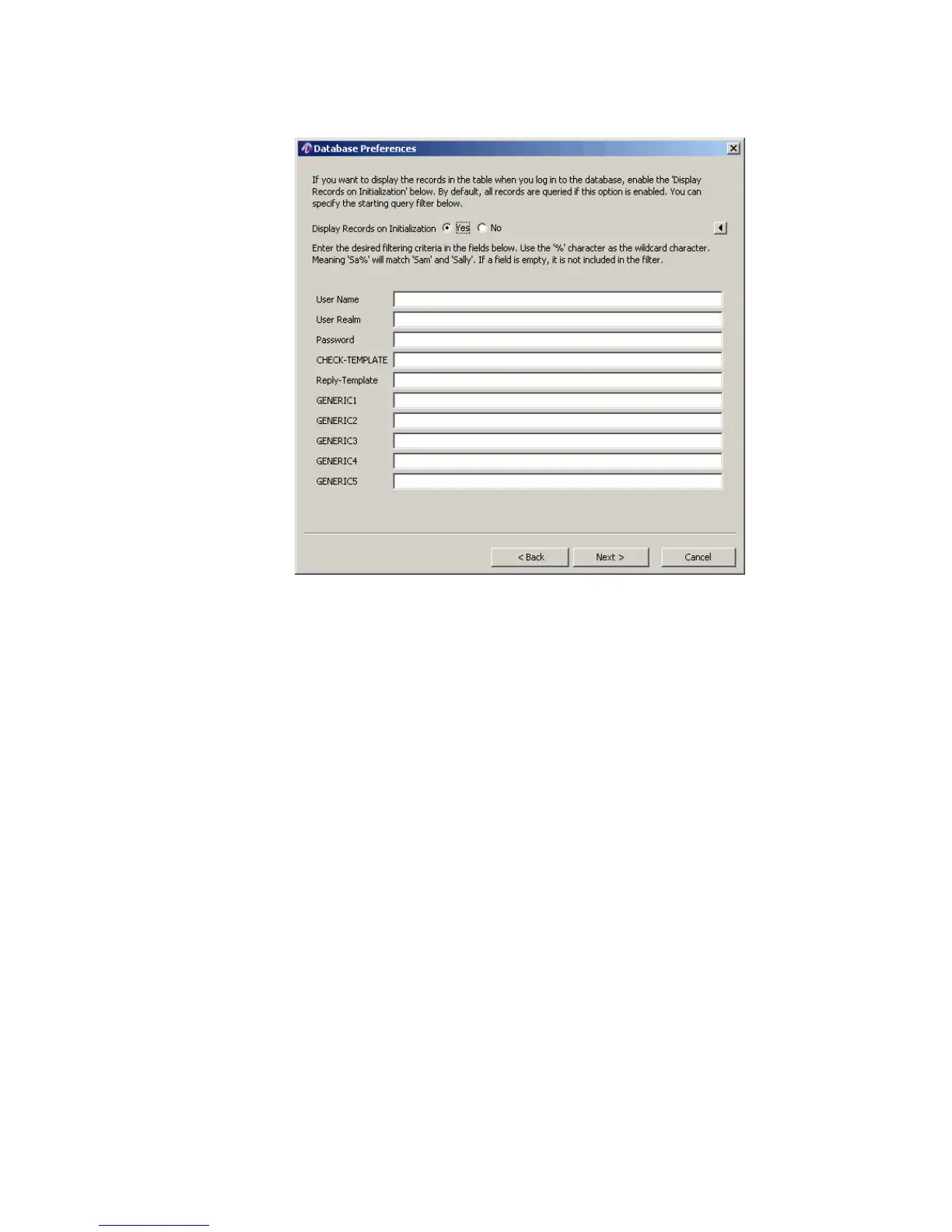
Figure 23-19 Database Preferences–Initialization and Filter
3. The Display Records on Initialization is disabled by default. Select the Yes (Enable)
button. This ensures that all records are queried and displayed as soon as you login to
the database. To prevent the display, disable the checkbox by selecting No.
The remaining fields on this window allow you to create a filter that is used for the
initial display of table records. For information on filtering, refer to “Filter Records”
on page 11.
When done, click Next on the Database Preferences window.
Result: The Database Preferences window appears as shown in Figure 23-20.



 To Next Page