23 24
1.2.2 Power on your phone
To turn your phone on, hold down the End key until the phone
powers on. It will take a few seconds before the screen lights up. If
you've set up a screen lock in Settings, you will need to unlock your
phone using a password before the Home screen appears.
Even if no SIM card is installed, your phone will still power on and you
will be able to use some of the phone's features.
1.2.3 Power off your phone
To turn your phone off, hold down the End key.
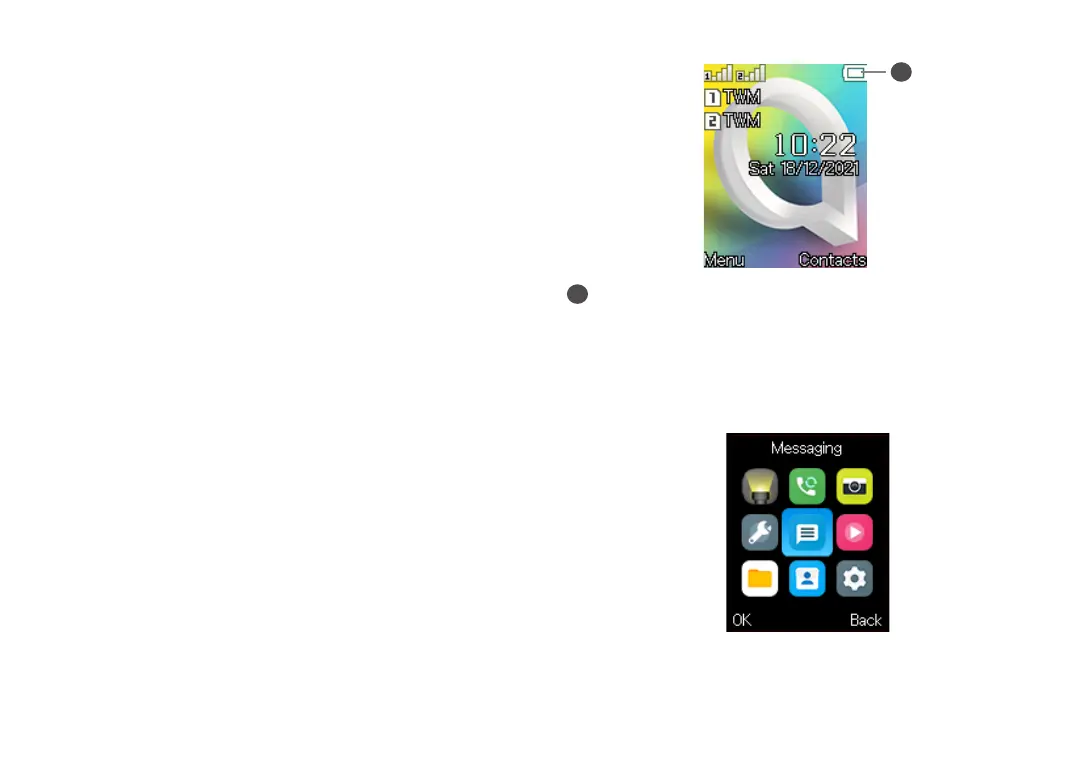
1.3 Home screen
1
1
Status bar
• Status/Notifications
1.4 App list
Press the Left soft key or Centre soft key from the Home screen to
access the App list.



 To Next Page