27 28
International calls
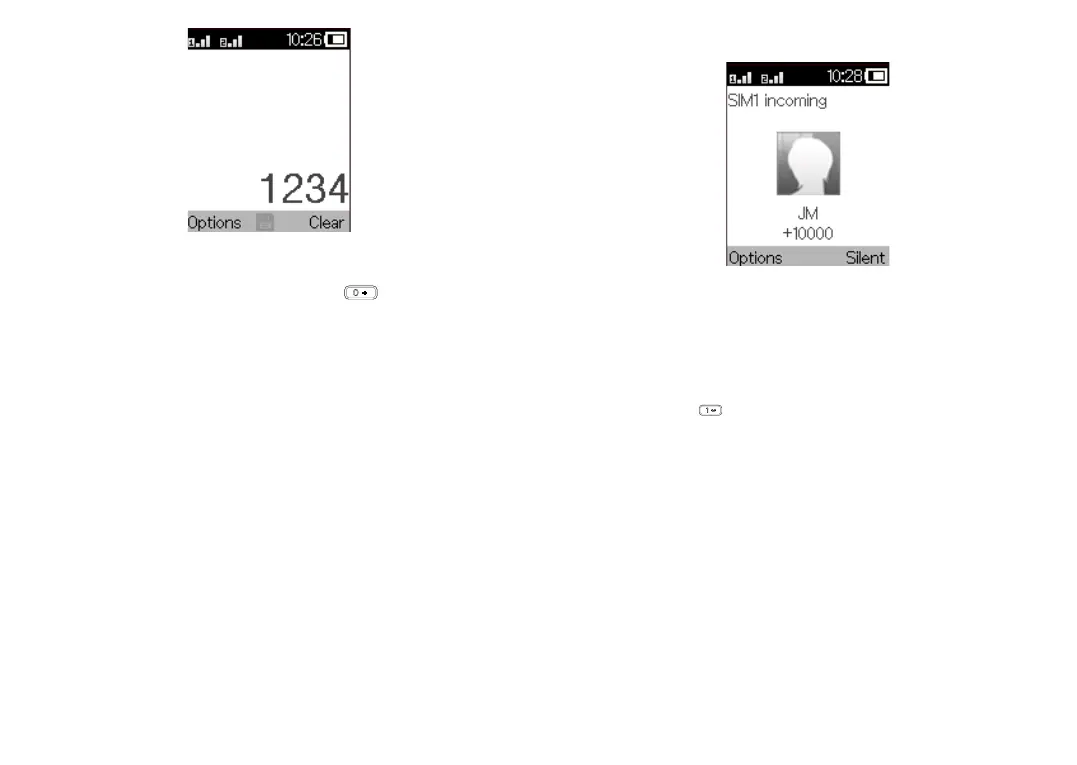
To dial an international call, press and hold to enter “+”, then
enter the international country prefix followed by the full phone
number and finally press the Call key.
Emergency calls
If your phone has network coverage, dial the emergency number and
press
the Call key
to make an emergency call.
3.2 Answer or decline a call
When you receive a call:
• Press the Left soft key or
Call key
to answer.
• Press the Right soft key or End key to decline.
3.3 Accessing voicemail
(1)
• Press and hold to call voicemail.
• Follow the prompts to set up your voicemail account.
(1)
Contact your network operator to check service availability.



 To Next Page