43 44
• Tap Pattern to create a pattern you must draw to
unlock the screen.
• Tap PIN to set a numeric PIN that you must enter to
unlock your screen.
• Tap Password to set an alphanumeric password that
you must enter to unlock your screen.
To lock phone screen
If your phone remains inactive for a period of time,
it will automatically lock the screen and enter sleep
mode to save power. Go to Settings > Display > Screen
timeout and select a screen timeout period.
You can also manually lock the screen by pressing the
Power/Lock key once.
To unlock the phone screen
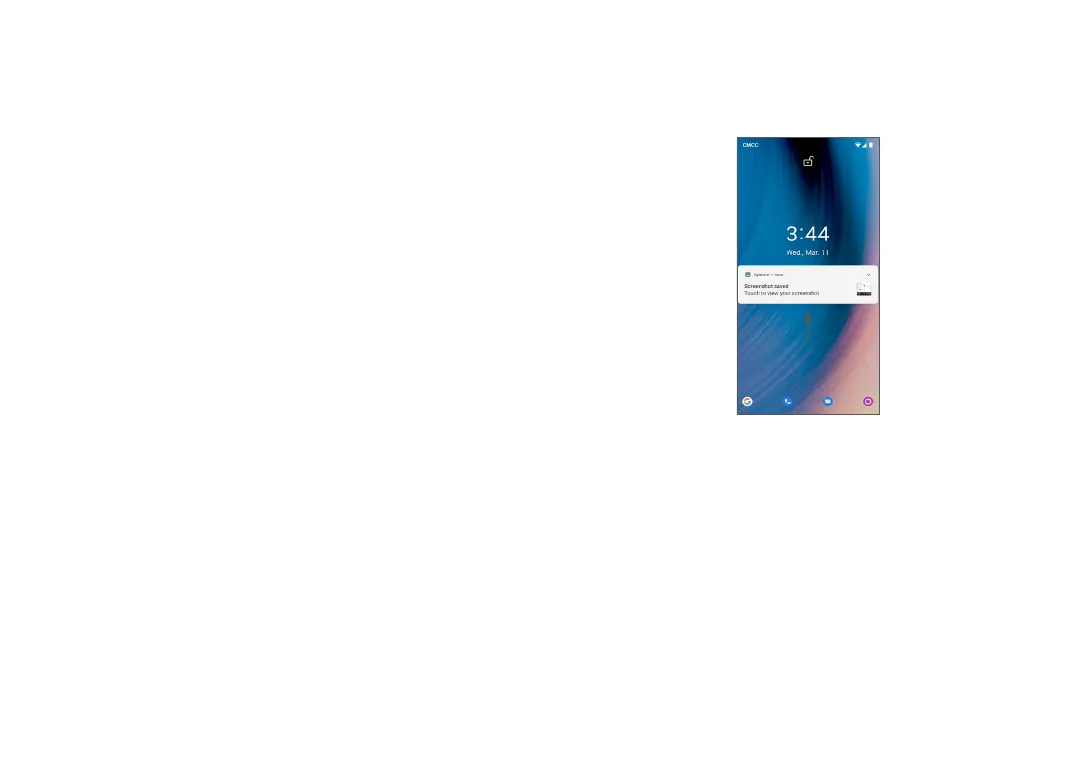
Press the Power/Lock key once to light up the screen,
swipe up and unlock the screen with the method you
have set.
Note: Refer to section "8.6 Security" for additional
phone security information and settings.


 To Next Page