2221
3.3 Receiving a call
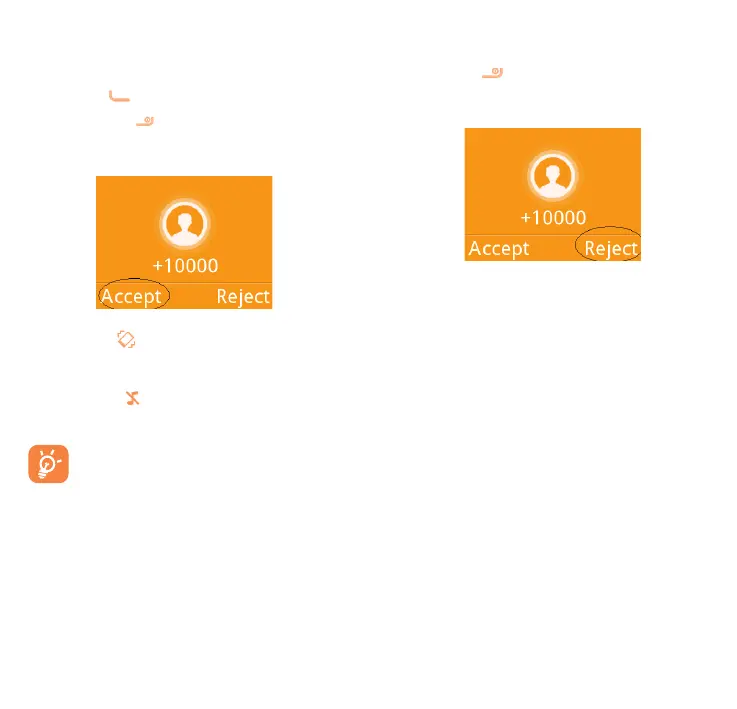
When you receive an incoming call,
press the key to talk and then hang
up using the
key.
Select Accept to pick up the call.
If the icon is displayed, the vibrator
is activated and there is no ringtone.
If the icon is displayed, the phone
neither rings nor vibrates.
The caller’s number is displayed
if it is transmitted by the network
(contact your network operator
to check service availability).
Rejecting a call
Press the key once.
Select Reject to reject the call.
3.4 During a call
(1)
During a call, following options are
available:
•Handfree (Options\Handfree)
•HAC (Hearing Aid Compatibility)
(1)
Contact your network operator to check
service availability.



 To Next Page