4847
11.1 Calculator
Enter a number, select the type of
operation and enter the second
number, press Equal to display the
result.
11.2 Voice alarm
With this menu, you can create new
voice file and set it as the alarm. Select
New and start to record your voice,
press and select Yes to save it to
certain date and time.
11.3 My files
You will have access to all audio and
visual files stored in phone or Memory
card in My files.
11.4 Services
Contact your network operator to
check service availability.
12
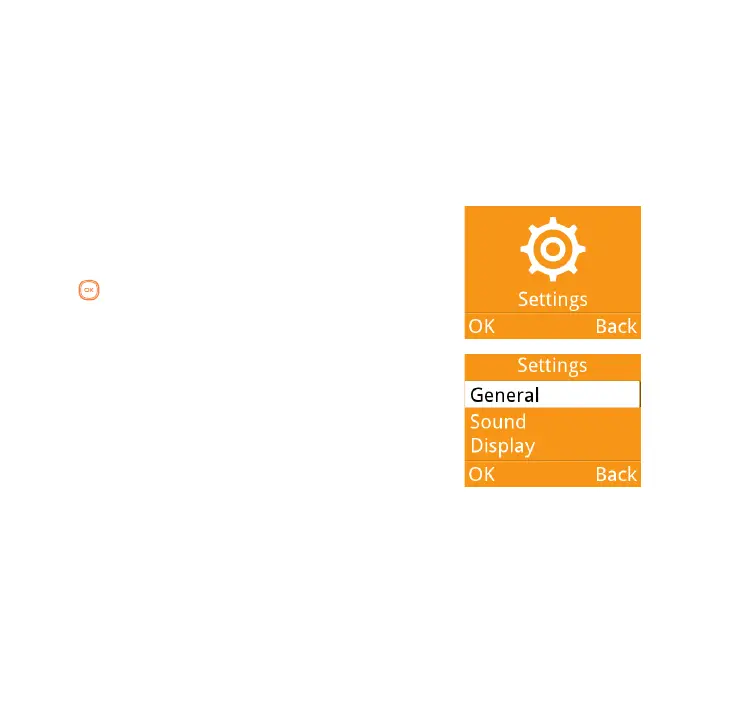
Settings .........
From the main menu, select Settings\
OK and access the function of your
choice in order to customise your
telephone.
12.1 General
To modify the General settings, select
General and you can set Flight
mode, Time and date, Languages,
and Input mode;



 To Next Page