3029
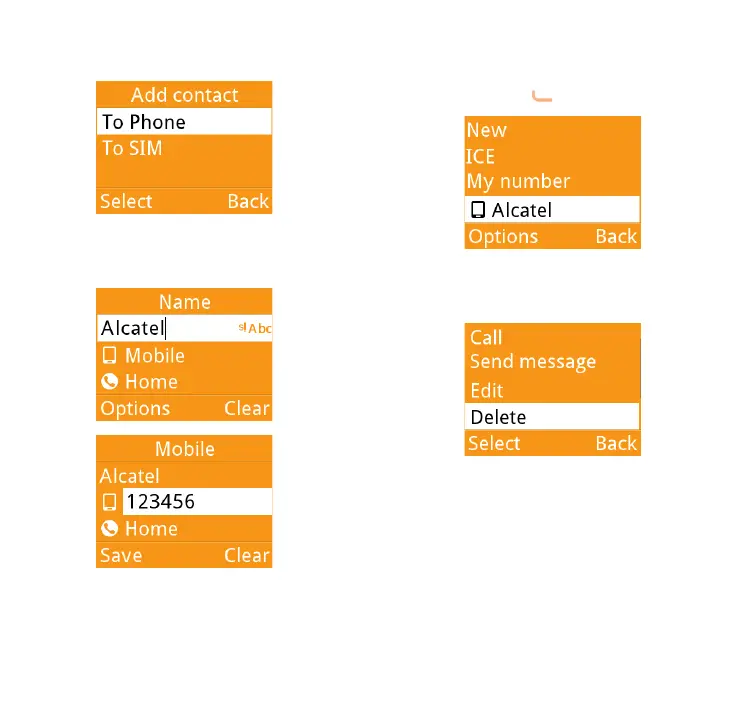
Thirdly, you can choose to add the
new contact to phone or SIM card.
Finally, edit the name and numbers and
save them.
6.3 Delete a contact
Please select the contact you want to
delete and press to select Options.
Then select Delete to remove the
contact.



 To Next Page