3635
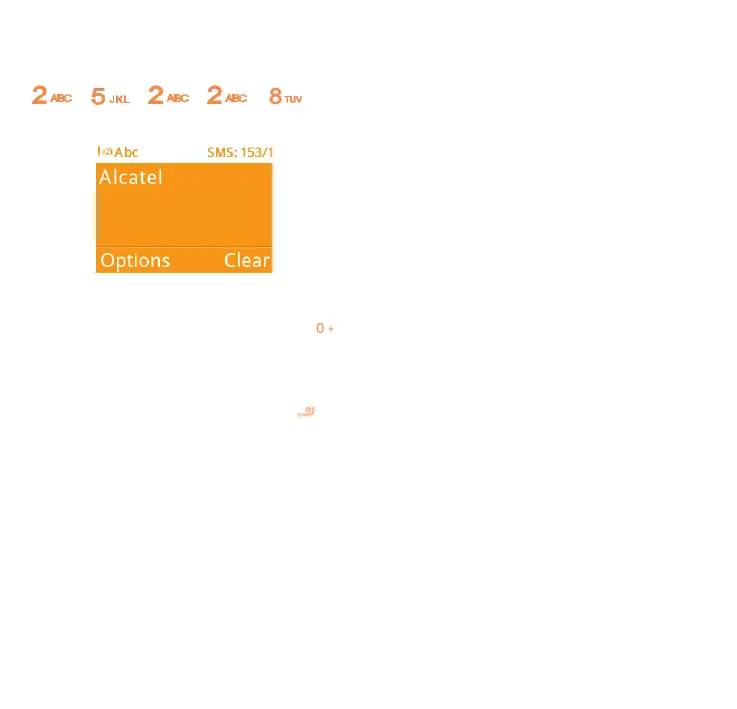
Example: For “ALCATEL”, press on
the following keys:
, , , , -->
ALCATEL.
To insert a punctuation mark or
special character, please press the
key.
If you want to delete the already typed
letters or symbols please press to
delete them one by one.
7.2 Read message
From the Message screen select OK\
Inbox to read the text/multimedia
message.
How to read a message:
If a message comes, a notification will
be shown in the idle screen. Press
Read to view it or press Back to keep
it unread.
If you want to view all the messages
received or sent, please select
Messages\Inbox\Outbox\Sent.
While writing a message, select
Options to access all the messaging
options.
You can save any messages that you
often send to Drafts.



 To Next Page