4039
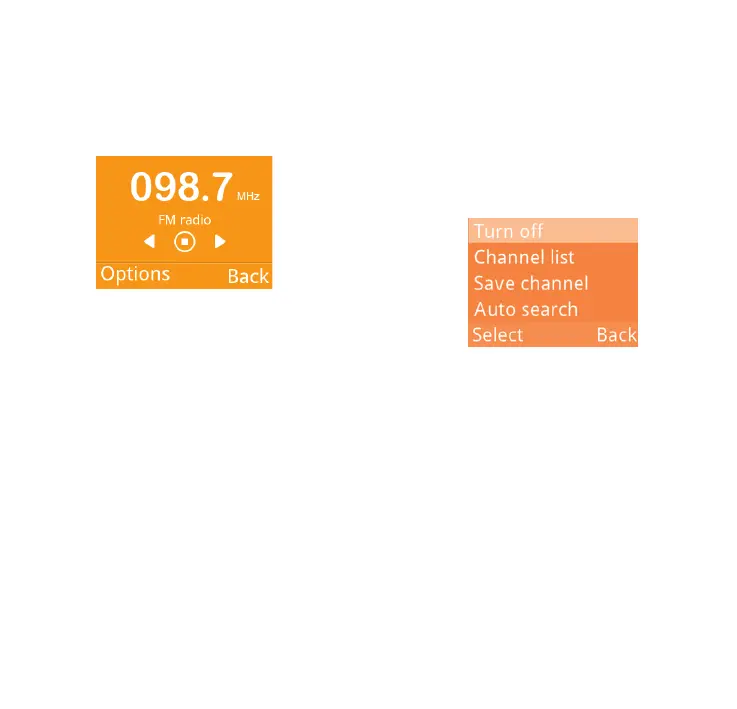
Then, search the channel by selecting
OK\Options\Auto search (when
using this function for the first time).
Stations will be automatically saved to
Channel list, and you can select one.
How to choose the existed
channel:
a. From the FM radio main screen:
Scroll up/down key to change the
channel.
b. From the channel list:
Select Options\Channel list after
entering FM Radio, and choose the
channel you like. You can Play/
Delete/Edit the selected channel.
How to add a new channel:
Select Options\Channel list\
<Empty>\Edit after entering FM
Radio, and edit the Channel name
and Frequency, then select Save.
Finally, to turn off the radio, please
select "Options\Turn off".



 To Next Page