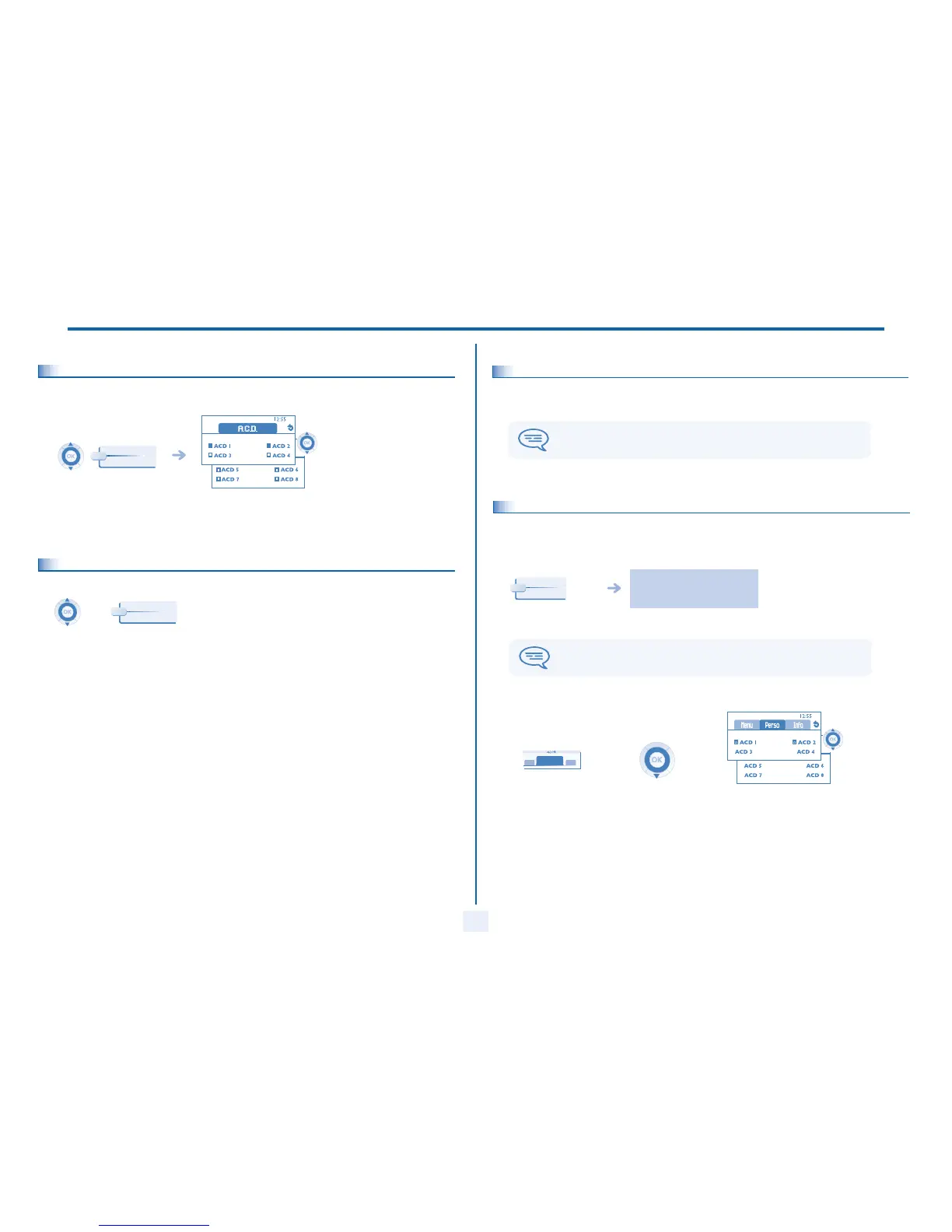
ACD : Agent set / Supervisor station
33
9
9.7
Integrating another group/leaving a group - Agent set
9.8
Agent set - Close the agent session (logout)
9.9
Supervisor station
A supervisor can review the messages left in the voice mailboxes of the call centre groups (maximum 8 groups) using the function
keys on an Alcatel 4028/4029 or Alcatel 4038/4039/4068 set.
Press the key of the group (1 to 8) to
integrate (box empty) and/orpress the
key of the group to leave (box full)
Groups
Logout
A supervisor can also perform the agent function from the same set.
9.10
Supervising group mailboxes - Supervisor station
• Consulting the messages:
When a message is left in a group mailbox, the voice mail present indicator associated with the supervision key flashes.
• Supervision keys for group mailboxes and positioning on the sets:
follow the instructions of the voice
guide
Press the supervision
key
When a mailbox is reviewed by a supervisor, the other supervisors cannot access it.
PERS.
10:30
Main
10:30
Access the 'Main'
page



 To Next Page