13
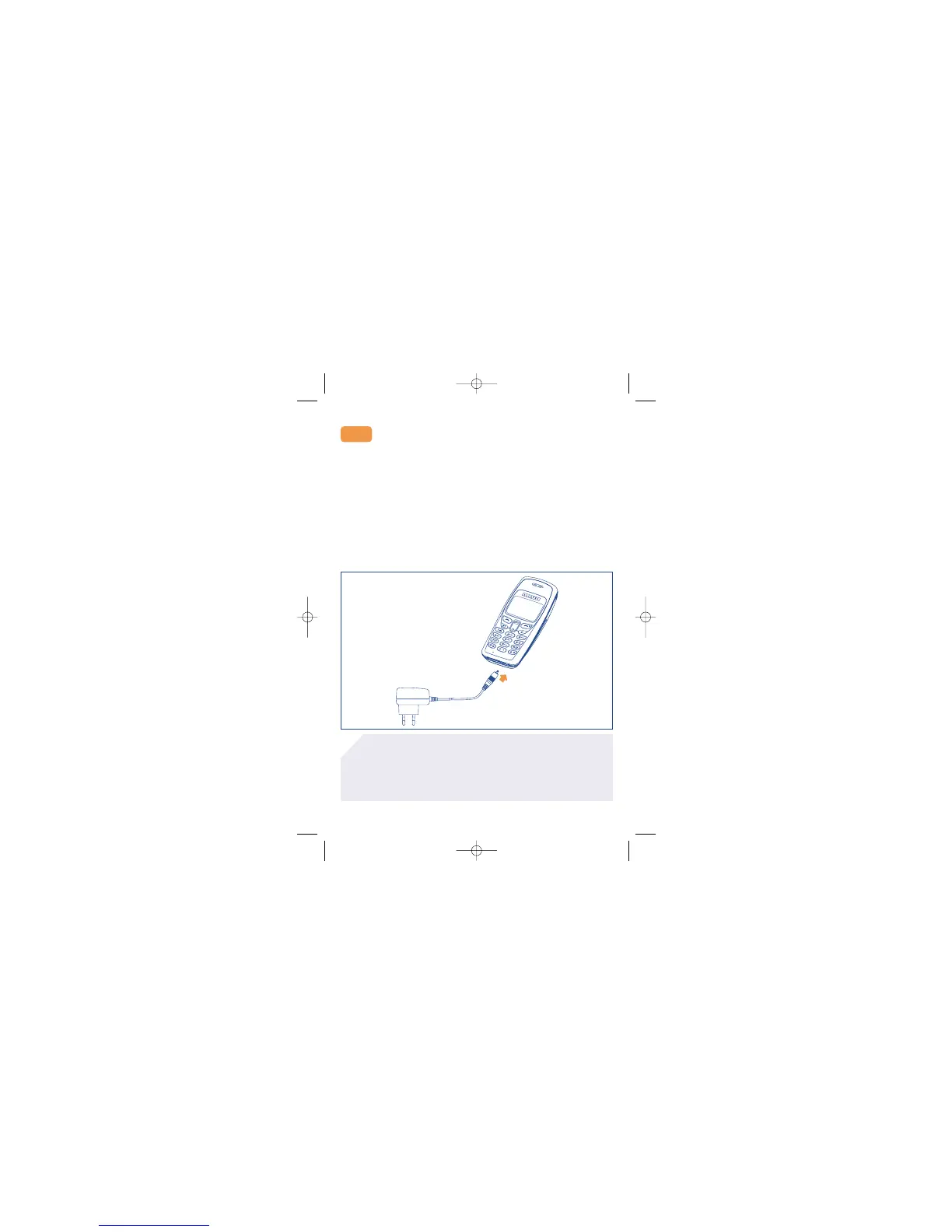
To connect the charger to the phone:
1. Install the battery (see instructions above).
2. Connect the charger to the phone as shown.
3. Be careful not to force the plug into the socket.
4. Use ONLY the charger that is supplied with your mobile phone.
5. Do not remove your battery or SIM card while charging.
6. The main socket must be close to the phone and easily accessible.
Charger
2.2
If you are charging an empty battery, the screen will take a
little while before displaying the charging icon.
For optimal functioning of your telephone, we recommend
that you charge the battery once a day.
The chargers designed for your mobile phone meet with the
standard for safety of information technology equipment.
They should be used for this purpose only.
!



 To Next Page