87
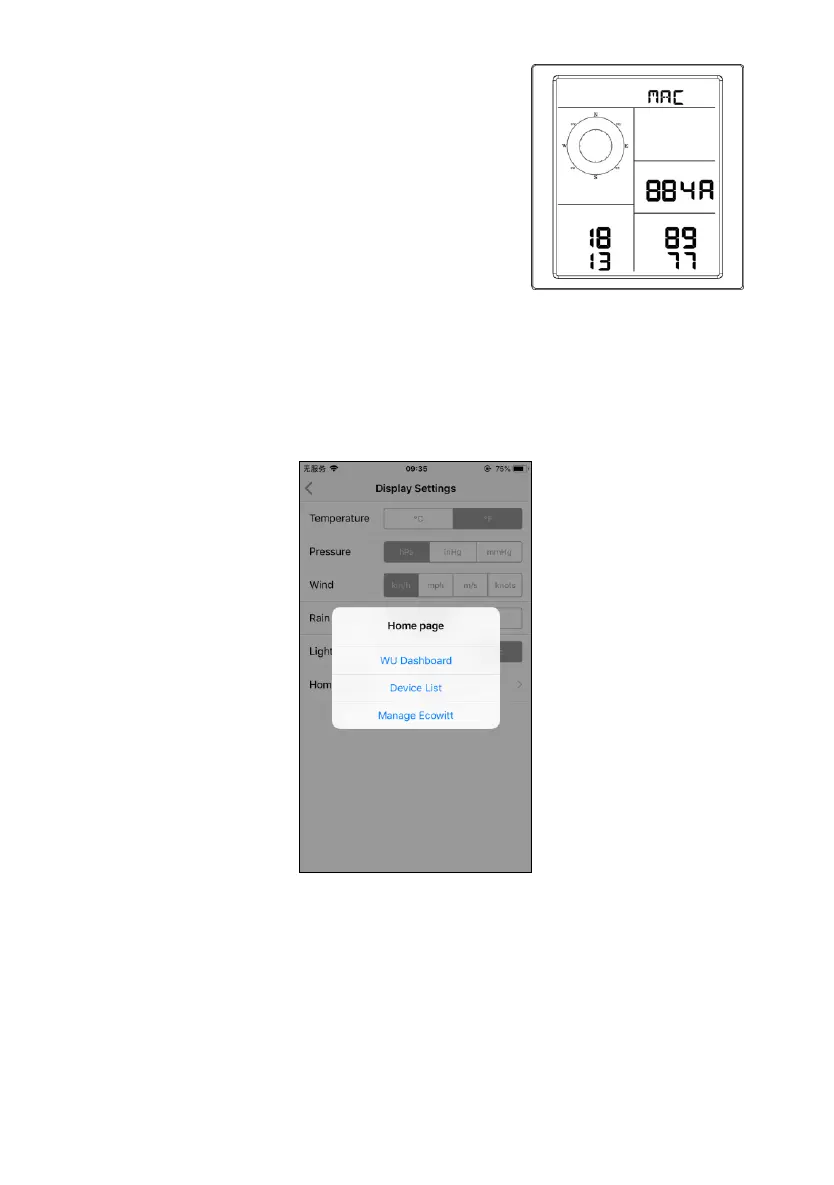
How to view the MAC address of device
In normal mode press the MODE button five times to view
the MAC address.
⚫ For example, the MAC address as shown in Figure
30 is 88:4A:18:13:89:77
8 Other functions on WS View
8.1 Settings
You can set your desired display units or default home page for the
app by selecting “Settings” on the submenu:


 To Next Page