88
8.2 Calibration
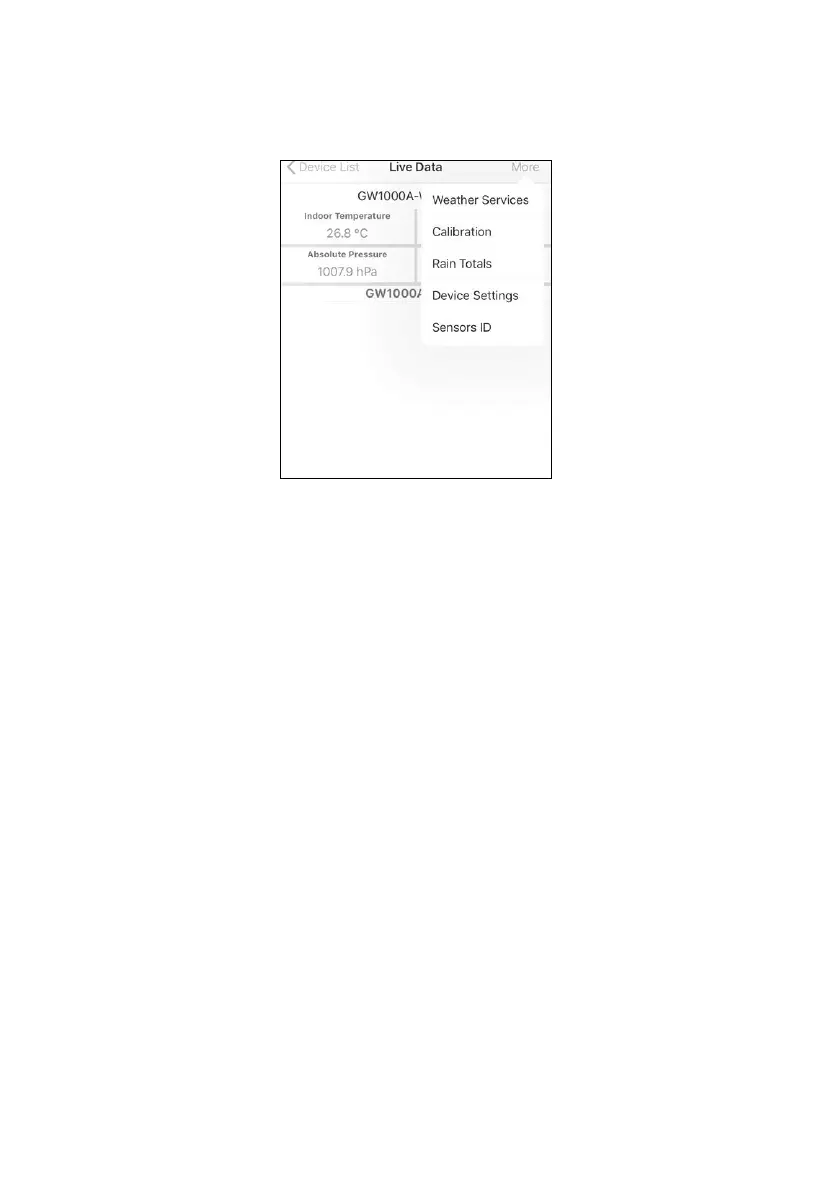
When on the “Live Data” screen, you can press the “More” button
(upper right) to enter the calibration screen.
8.3 Editing Rain totals
When on the “Live Data” screen, you can press the “More” button
(upper right) to edit the rain totals if needed.
8.4 Device Settings
On the Live Data page, press “More” on the top-right, and select
“Device Settings” to set the following:
• Select sensor type.
• Set time zone.
• Reboot Device.
• Reset to Factory Settings.
• Firmware upgrade (only display when new firmware is
available)
8.5 Sensor ID
On Live Data page, press More and select “Sensors ID” to set the
following:


 To Next Page