31
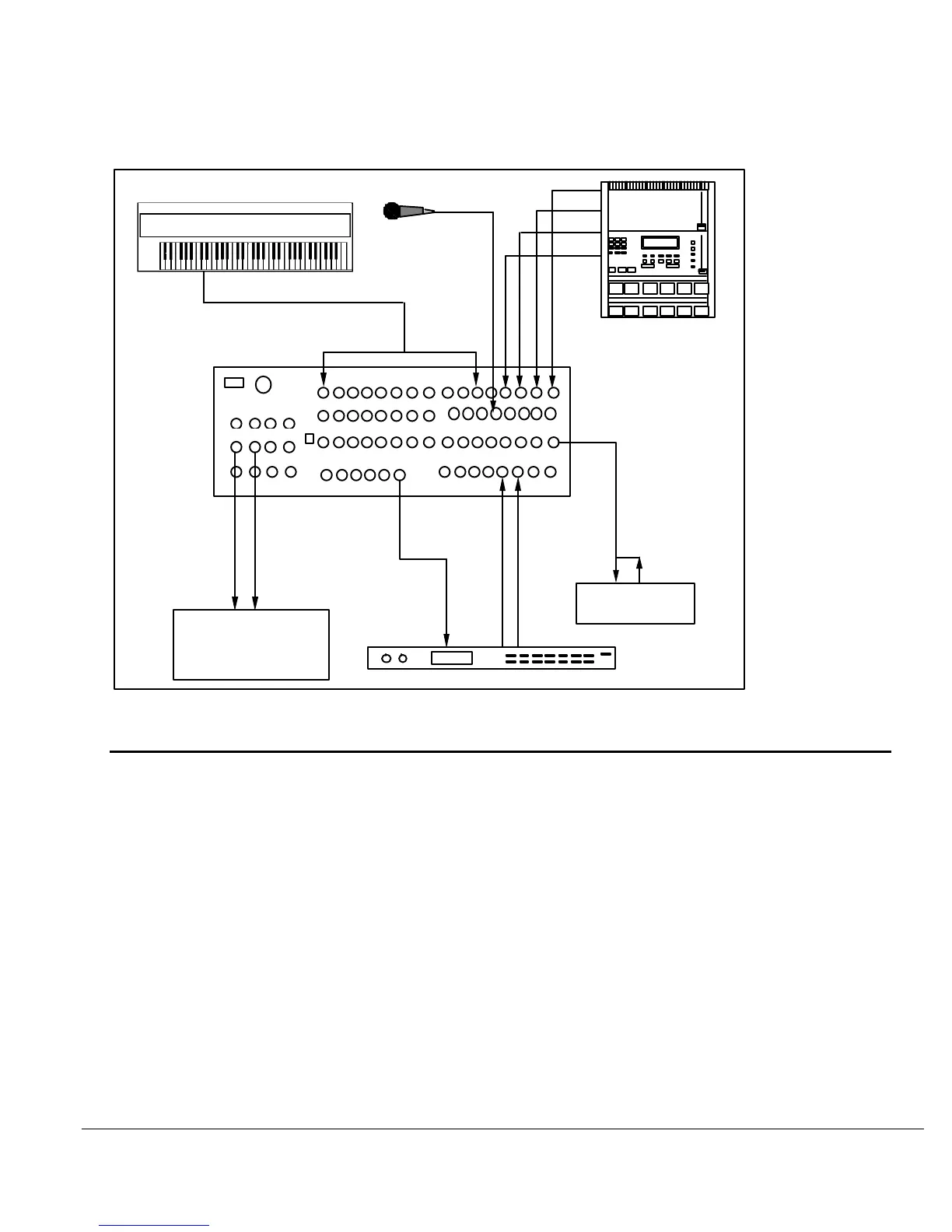
FIGURE 16
THE 1622 MIXER USED AS A DEDICATED KEYBOARD MIXER
LINE INPUTS
MIC
DIRECT OUTPUT
CHANNEL INSERTS
SENDS
RETURNS
MAIN OUT
TAPEMON
SUB OUT
IN
IN
IN
OUT
OUT
OUT
EFFECTS
UNIT
MIXING CONSOLE
OR
SOUND SYSTEM
DRUM
MACHINE
KEYBOARDS
IN
MICRO LIMITER
VIDEO POST-PRODUCTION
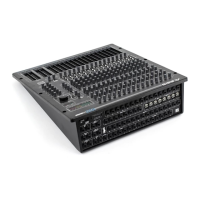
The 1622 MIXER can easily be used in editing bays or video post-production facilities. The
availability of separate output jacks on the SUB MASTERS make the unit ideal for making
simultaneous mix-minus feeds. A mix-minus feed, which is used for international versions of a
film or video, is a separate mix containing all music and effects, but no dialog (which is usually
dubbed in later). See Figure 17. To accomplish a mix-minus feed, do the following:
1) Raise the Channel Faders to the desired levels. See Section 2, HOW TO
ADJUST LEVELS
2) Assign the Channel Faders by switching both the "MASTER" assign switch
and the "SUB MASTER" assign switch to the "On" position. See Section 1
3) Unassign the Input Channels that contain the dialog (or any information not
desired in the mix-minus feed) by switching the "SUB MASTER" assign
switch to the "Off" position.
4) Now unassign the SUB MASTER by switching the "SUB MASTER TO
MASTER" assign switch to the "Off" position. The SUB MASTER Fader
will now separately control the mix-minus outputs while the MASTER
Faders will control the full composite output.




 To Next Page