SECTION 6
28
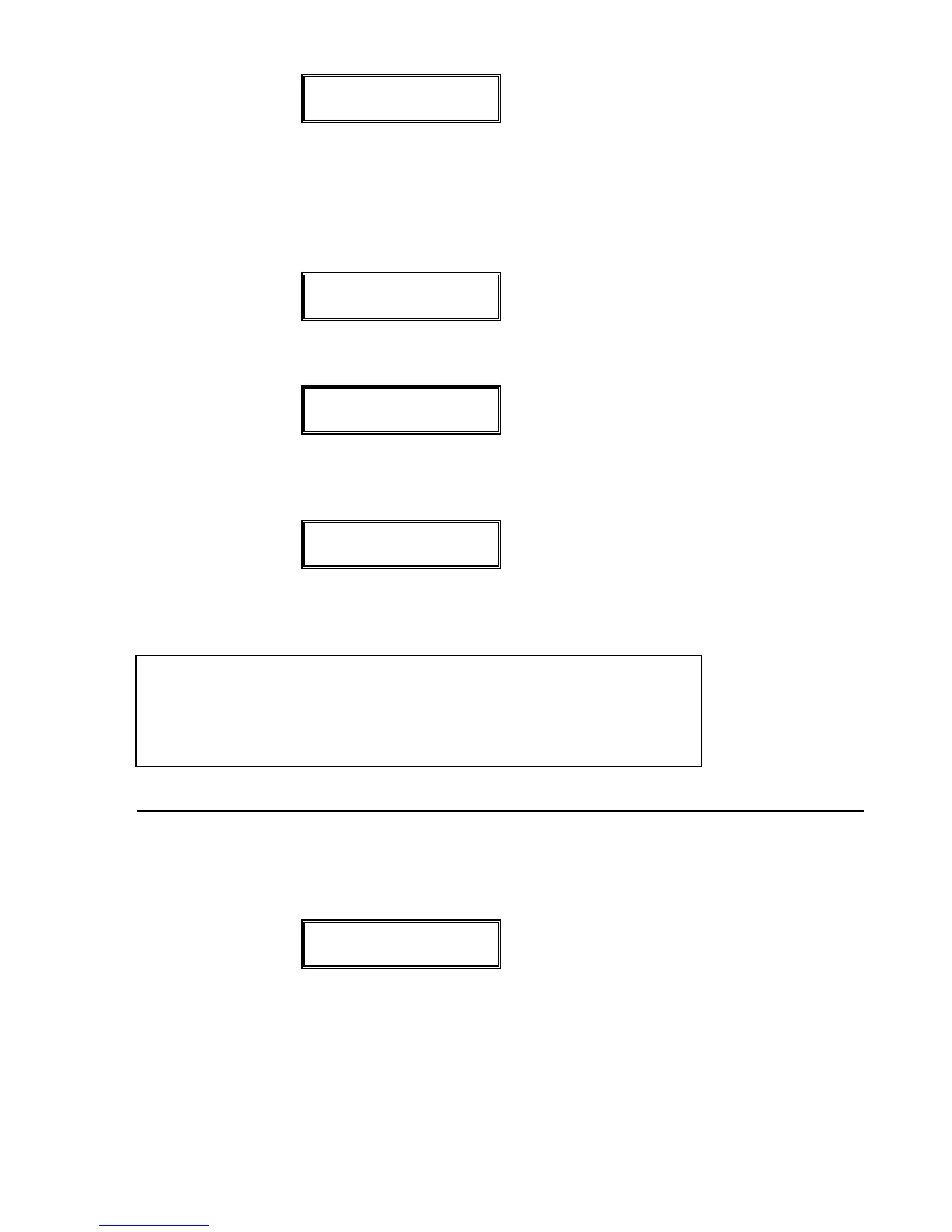
** FORMATTING **
** TRACK # XX **
The display will read from track 79 to track 00. XX is the
current track being formatted.
After DATADISK has formatted all 80 tracks, the display
will briefly change to:
** CREATING **
** DIRECTORY **
and then will temporarily display:
FORMAT
COMPLETE
When formatting is complete, the display will return to
the first page and read once again:
FORMAT DISK?
5) The disk is now ready for storage. Press the RECEIVE
button to begin a storage operation.
PLEASE NOTE: The Format operation can be aborted at any
time by pressing the SCROLL UP or SCROLL DOWN buttons. If the
disk previously was a formatted disk with some data stored on it,
some data may be lost depending on how many tracks were re-
formatted before the operation was aborted.
TO RECEIVE A FILE
1) Press the RECEIVE button on the front panel. The display
will change to the following:
RECV ONE SYSEX:
WAITING FOR DATA
DATADISK is now awaiting system exclusive information.
2) Send a Sysex dump from the synthesizer, sequencer,
effects processor, or other MIDI device. This can be ac-
complished by sometimes just changing a program on
the MIDI device, or by a separate front panel command


 To Next Page