SECTION 6
38
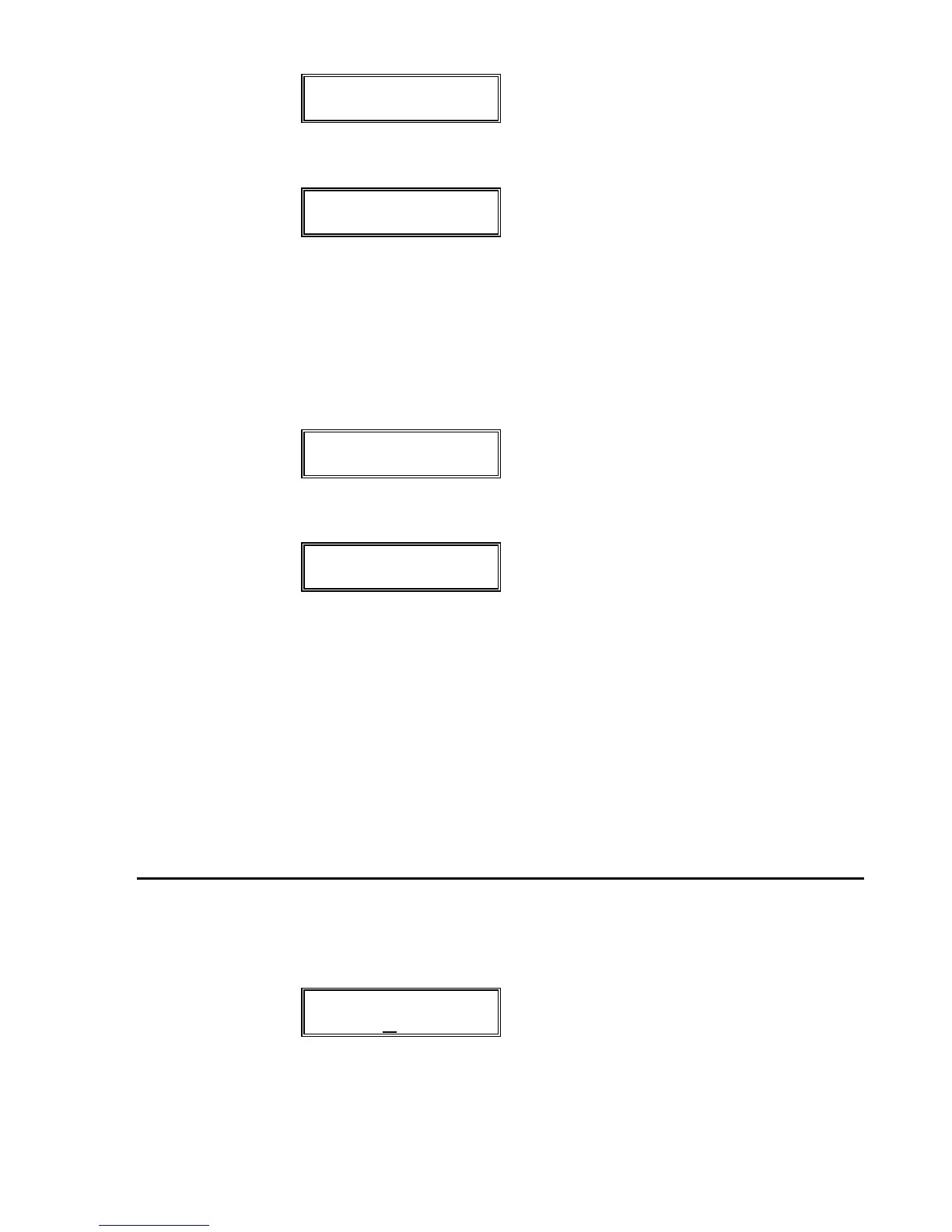
DELETE ALL FILES?
3) Press the DO/YES button. The display will then read:
ARE YOU SURE?
If the answer is no, press the another function button to
exit the Delete function.
4) If the answer is yes, press the DO/YES button. The dis-
play will show:
DELETING . . .
After the file has been erased, the display will read:
DISK
EMPTY
5) Exit the Delete function by pressing another function
button.
PLEASE NOTE:
—Once a file is deleted, it is lost forever!
—Deleting all files does not format a disk. Files are only removed
from the disk directory. Use the Format function to properly
format a disk.
TO SET MIDI ECHO
1) Press the MIDI button on the front panel. The display will
read the following:
MIDI ECHO
OFF
2) To turn the MIDI Echo to On (or Off if it is already On),
press the SCROLL UP and SCROLL DOWN buttons.


 To Next Page