SECTION 6
44
TO BACKUP AN ENTIRE DISK OVER MIDI
TO ANOTHER DATADISK
1) Press the BACKUP button 3 times. The display will read:
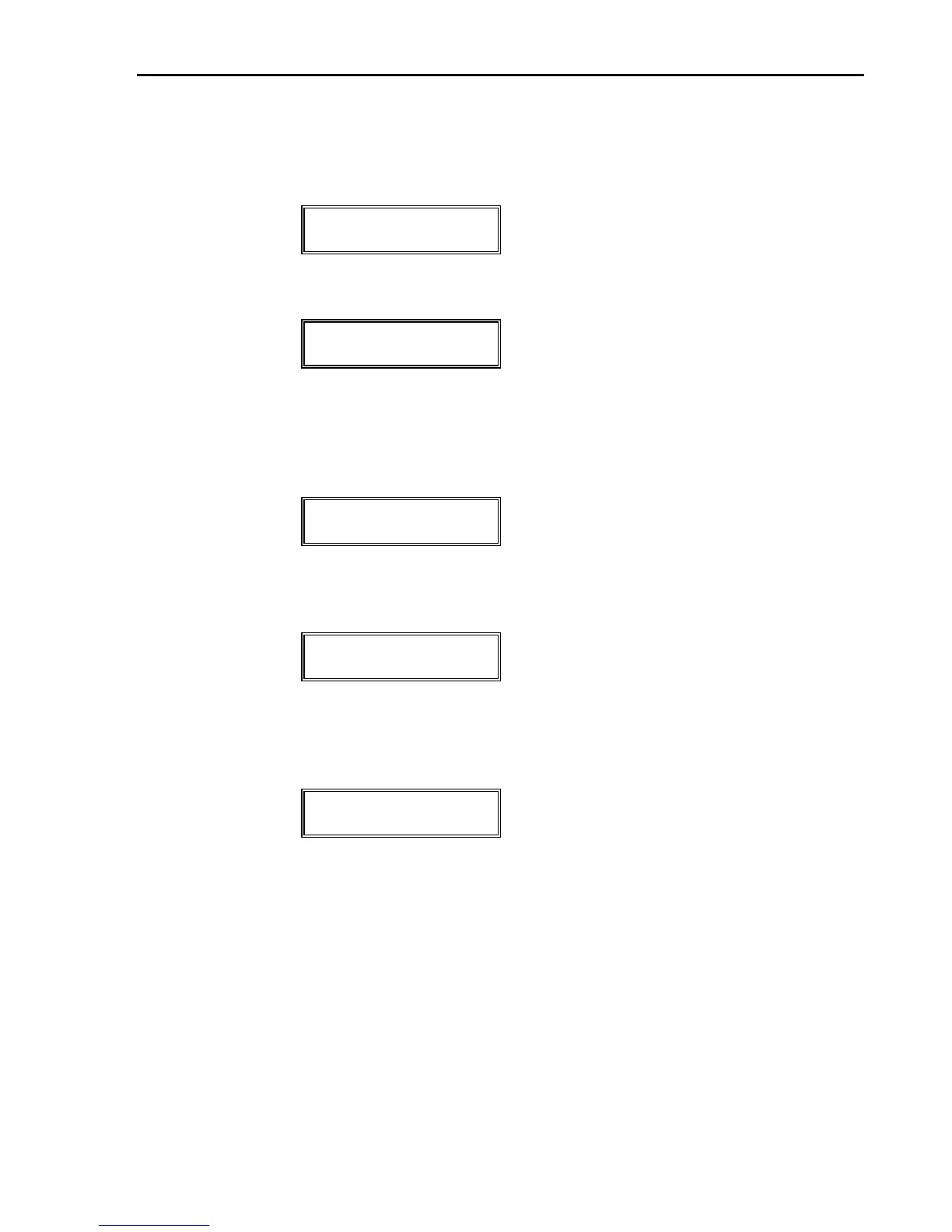
BACKUP ALL
FILES TO MIDI?
2) Press the DO/YES button. The display will then read:
IS DEST DATADISK
IN RECV ONE?
"DEST DATADISK" stands for Destination DATADISK, or
the DATADISK that you're sending to.
3) Press the DO/YES button. The display will read:
THIS WILL ERASE
DEST DISK. OK?
4) Press the DO/YES button to initiate the Backup over MIDI.
The display will read as in the SEND ALL function:
SENDING XXXXXX
YYYYYY ZZZZZZZZ
5) When backup is complete, the following is temporarily
displayed before returning to the start of the Backup
function:
BACKUP
COMPLETE
6) Check backup procedure by sending ALL files on the
backup disk (p.32). If there is a SYS EX error, there may
be corrupted data. If this error occurs, delete the file(s),
check the original disk, and repeat the entire procedure
if necessary.
PLEASE NOTE:
—The destination DATADISK will receive and store data as de-
scribed in the RECV ONE function.


 To Next Page