P.20
MENU AND CONTROLS
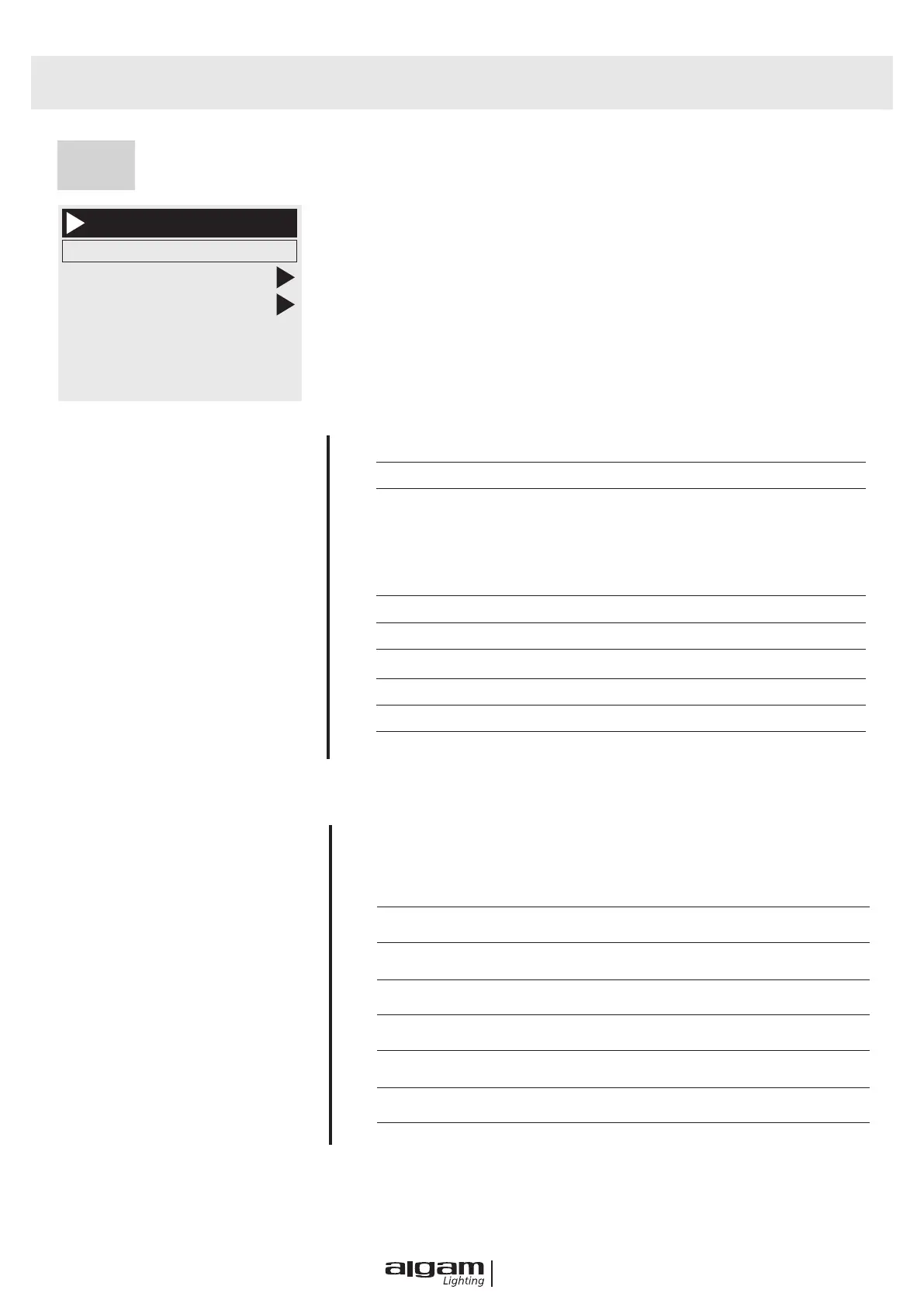
Sys
SYSTEM PARAMETERS
ERRORS
System
Lamp Temp 30
DMX Monitor
System Errors
Partial Fixture Hours
Partial Light Hours
DIS:XXXXXXXXXX
LAMP TEMP
DMX MONITOR
enters to sub-interface and displays the channel values for viewing
SYSTEM ERRORS
If the red ERR indicator is lit, the Fixture is running.
An error can be made by going to the sub-interface for details.
After viewing, you can press the "Clear" button to clear the error "Clear"
button to clear the error
PARTIAL FIXTURE HOURS
PARTIAL LIGHT HOURS
DIS : Version No.
N:
Version No.
DATE
TIME
MT BOARD CONNECTION FAILED
The driver board did not respond. Serial communication line connecting
display panel and driver board
There is a problem, or there is a problem with the driver board.
PAN RESET FAILED
X-axis photoelectric switch, or problem with X-axis motor
TILT RESET FAILED Y-axis photoelectric switch, or problem with Y-axis motor
PAN HALL FAILED
Pan Hall have problem
TILT HALL FAILED
Tilt Hall have problem
COLOR WHEEL RESET FAILED Color Wheel Hall, or Color Wheel motor have problem
GOBO WHEEL RESET FAILED
Gobo Wheel Hall, or Gobo have problem
FOCUS RESET FAILED
Focus Hall , or Focus motor have problem


 To Next Page