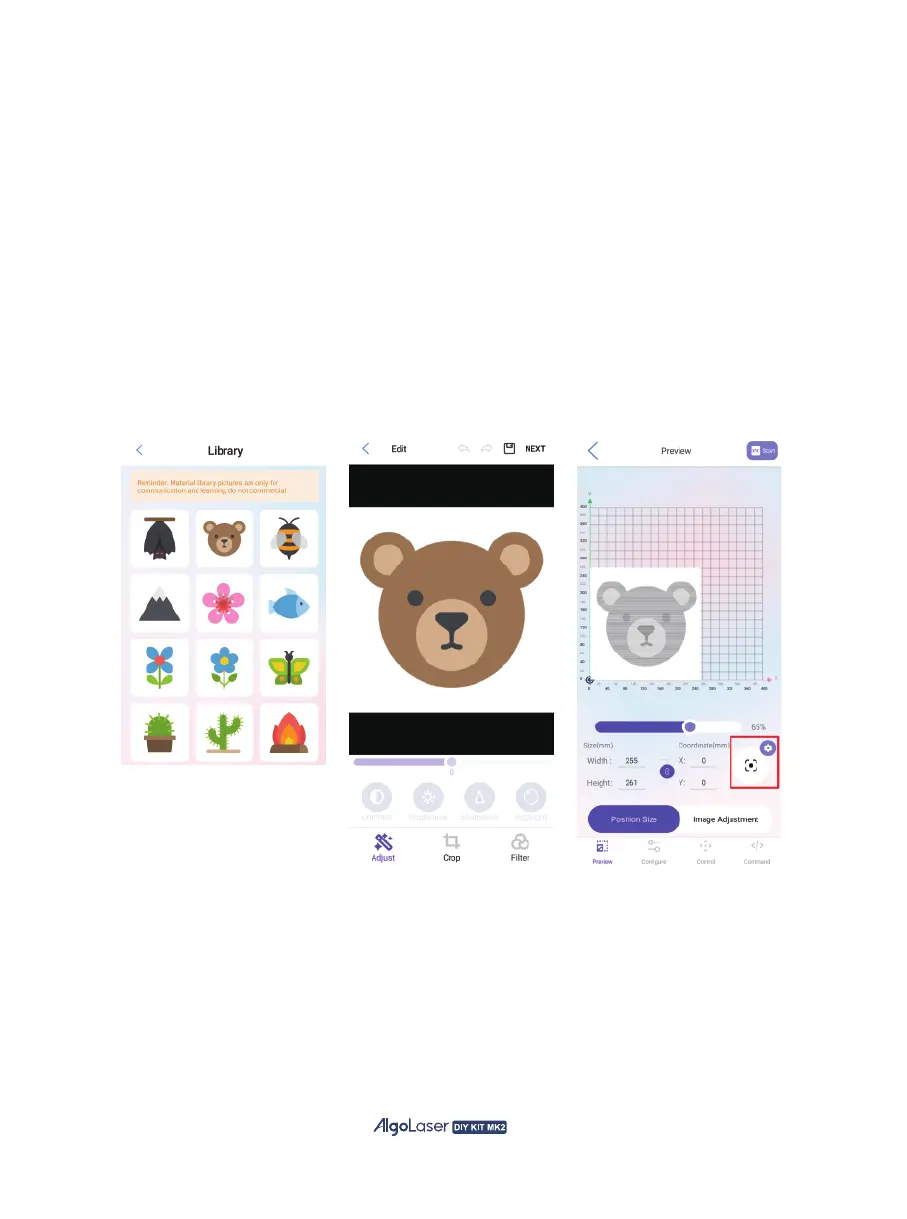
Let’s import an image to try a full engraving.
⑧
⑦
Click the “Library” to access the app's Library page. Select the pattern
that you want to engrave.
⑨
Enter the picture editing page, first-time users, directly skip and click
“NEXT” for the next step.
⑩
⑪
After accessing this page, adjust the image size for engraving. Select
the boxed button in the figure and allow the machine to move slightly,
determining the appropriate imaging size and location of the engraving
trajectory.
Click “Configure” to access the configuration page.
41


 To Next Page