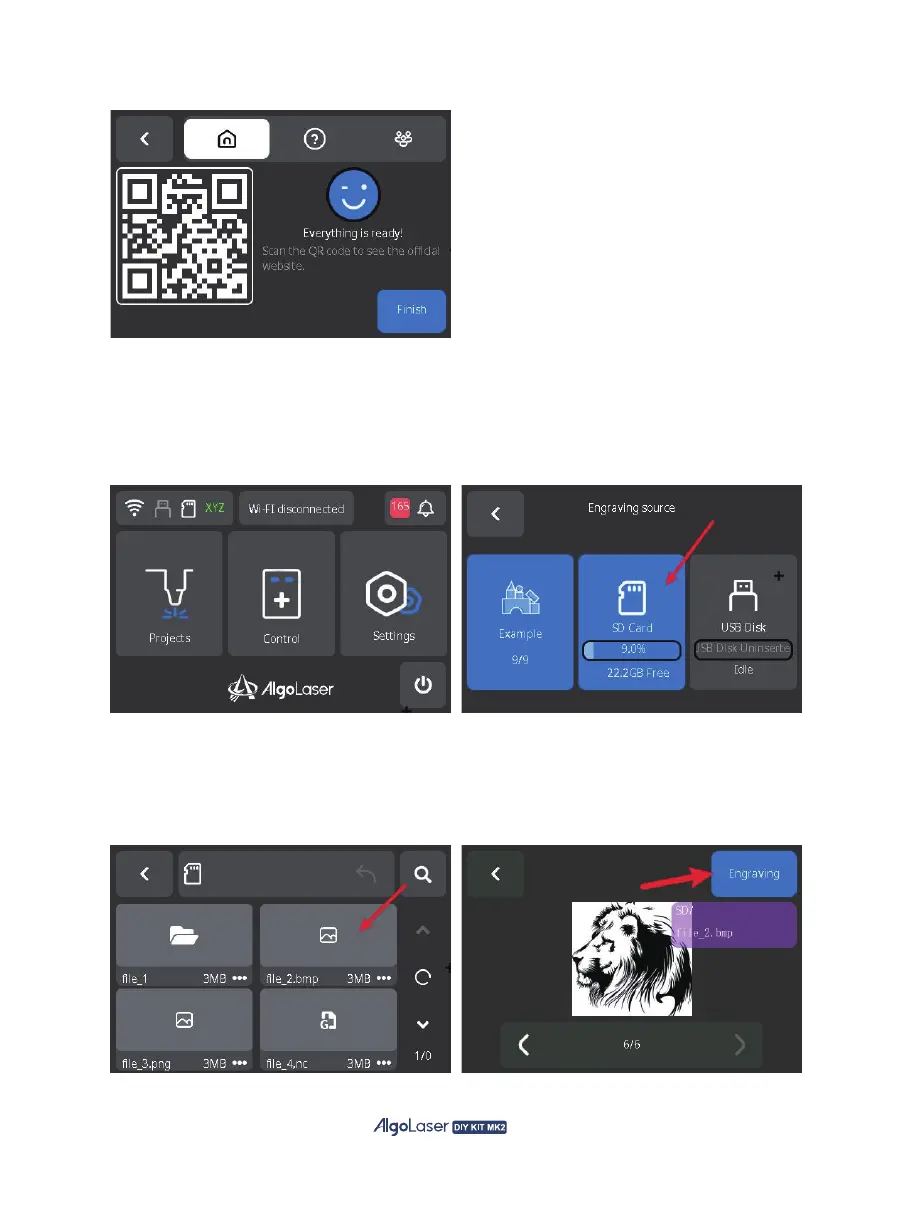
A. After powering on the AlgoOS system, click "Projects" on the home page to enter the "Engraving
source" page. Then select the desired engraving file source, which can be either from the SD card,
USB or Example. If using USB, make sure to insert the USB drive to access the data.
C. Online Help: Scan the code to access the official website, forums, and get assistance.
3. Engraving via screen:
B. Select USB or SD card to enter the file page, select the file for engraving(files should be in image
formats such as jpg, png, bmp, svg; or use Gcode document, such as nc, gcode, gc, etc.) After
clicking into the preview page, select "Engraving" to enter the engraving parameters page.
45


 To Next Page