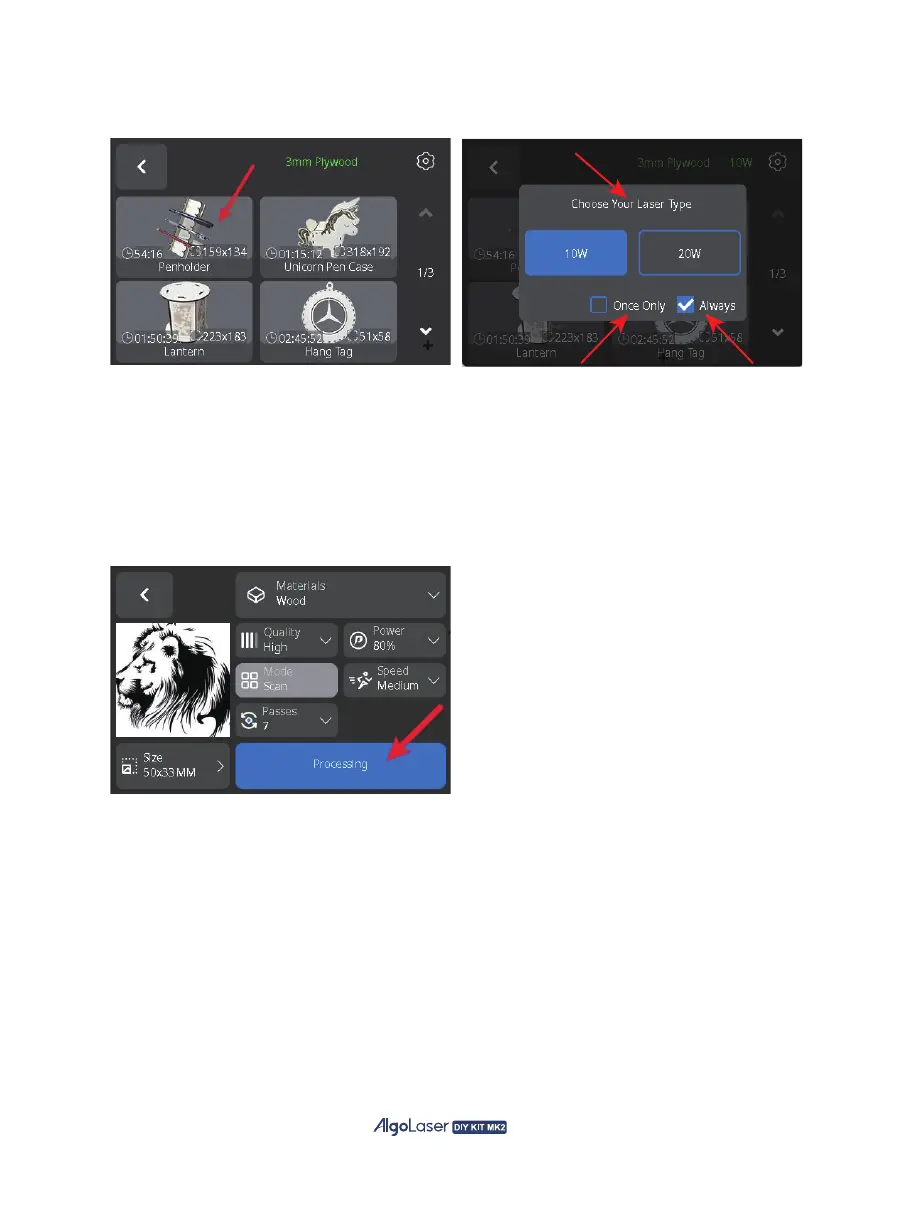
C. Select "Example" to enter the file page, you can choose the engraving file , 20W laser for
engraving by default, click on the upper right corner of the settings button to change the laser model.
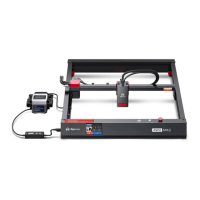
D. Enter the engraving parameter page, you can select the parameters such as engraving size,
quality, power, mode, speed, and times. After confirming that all parameters are correct (for
example, when using ALM-20BD to engrave wood, the recommended speed is 20,000 mm/min and
power is 80%; when cutting wood, the recommended speed should not be less than 200 mm/min,
with the power set to 100%. If the cut fails, multiple cuts can be attempted to ensure complete
penetration. For detailed information on other parameters, please refer to the published cutting
data), click "Processing" to enter the engraving preparation page.
46


 To Next Page