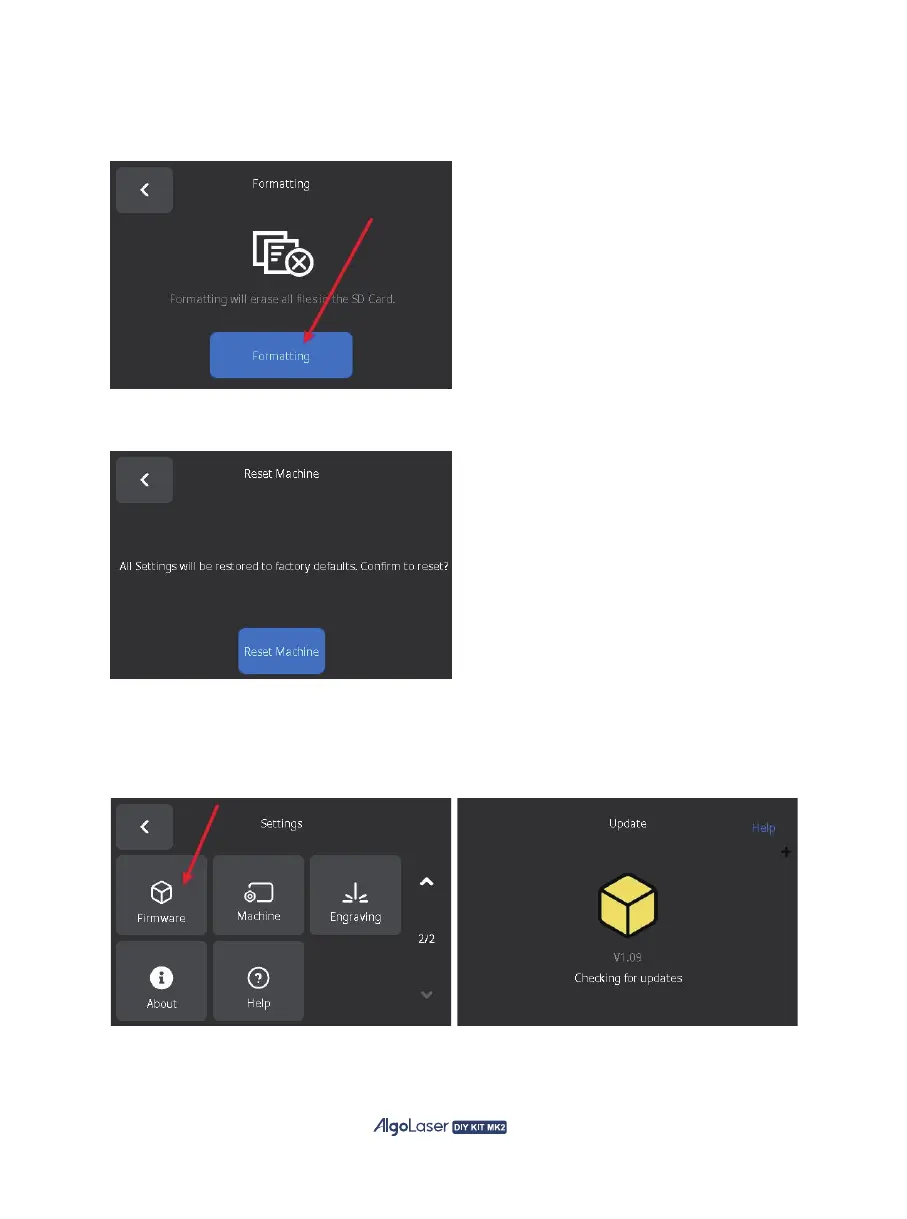
I. Formatting SD Card: Click "Formatting" to format the SD card, the SD card will be emptied and the
built-in AlgoOS files will be deleted. After formatting, you can download the related files from the
algolaser.com website.
J. Reset: Click "Reset Machine" to reset the AlgoOS system and all settings will be reset to default.
K. Update Firmware: AlgoOS provides system upgrade, which will update the latest features and
optimize the experience occasionally. Enter the update page and wait for the system to detect a new
version. When the new version is detected, click "Click to update" to start the update. After the
updated successfully, the system will reboot in 5S, then the update is completed.
56


 To Next Page