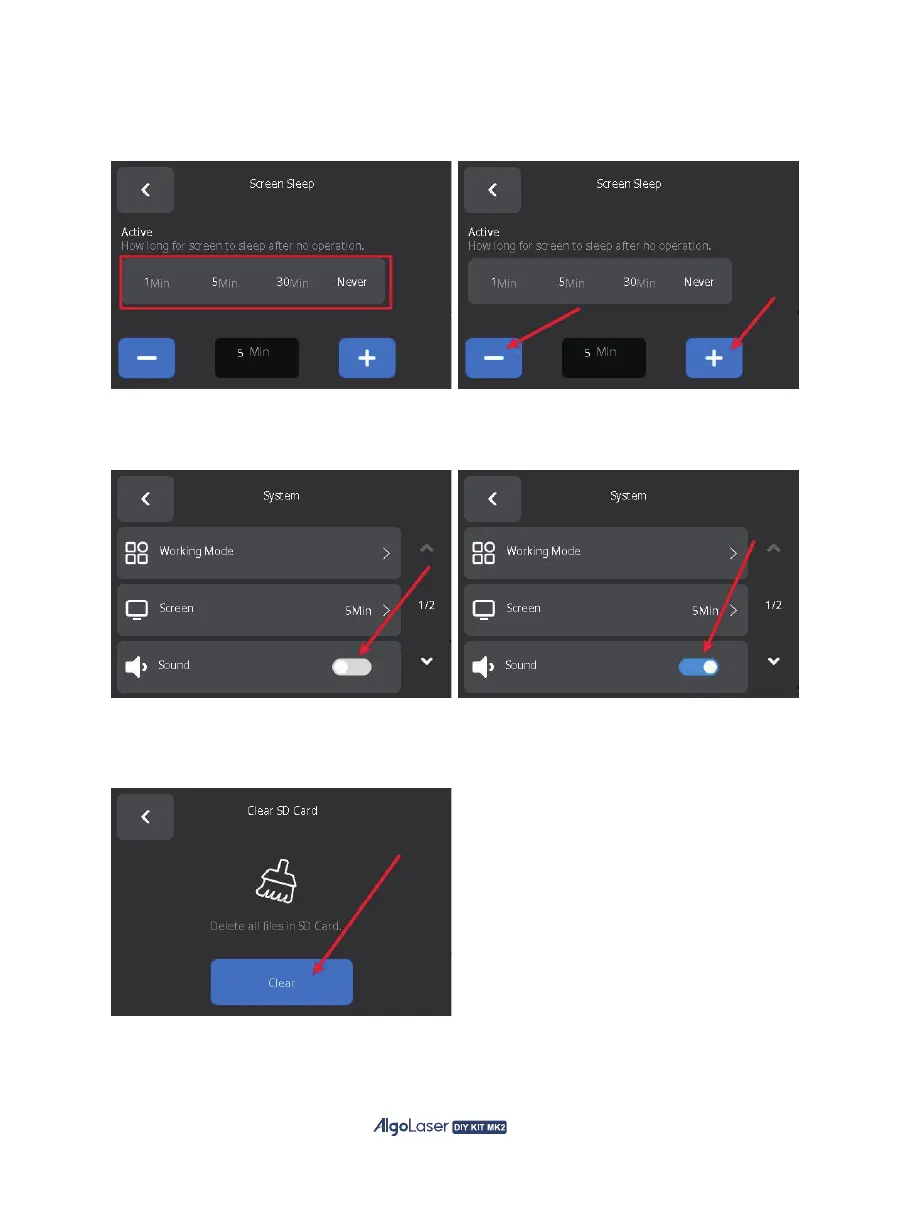
F. Screen: Click "1Min", "5Min", "30Min", "Never" to set the rest time, or click "-", "+" button to set the
rest time precisely. The screen will sleeping according to the set time after no operation.
G: Sound: When working with the AlgoOS system, tapping on the screen will follow a sound effect.
You can switch the click sound effect on or off by clicking the switch.
H. CLean SD Card: Click "Clean" to clean the SD card, cleaning the SD card will empty all the files
in the SD card.
55


 To Next Page