Pocket size soldering iron
User Manual www.alientek.com
4
T80&T80P Smart Soldering Iron User Manual
0.87’ OLED (128*32 Pixel)
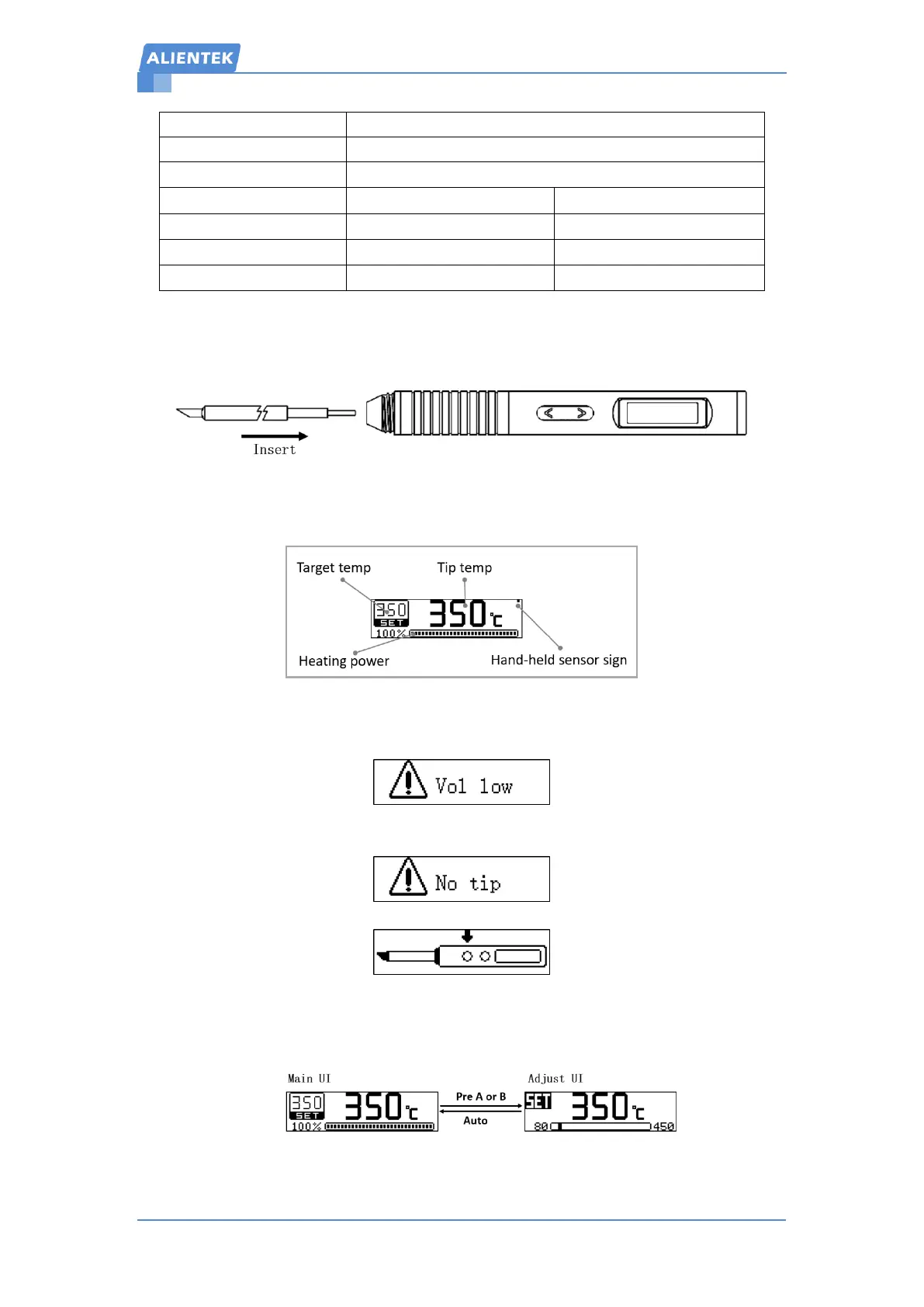
4. Installation
5. Interface
Main interface:
Hand-held sensor sign : when the handheld is detected, the point shows, otherwise it will
disappear.
Low voltage prompts: the input voltage is lower than 9V screen will indicate "low voltage"
and cannot be heated.
No soldering tip prompts: please insert the soldering tip.
Start heating prompts: Press button A to start heating.
6. Operation


 To Next Page