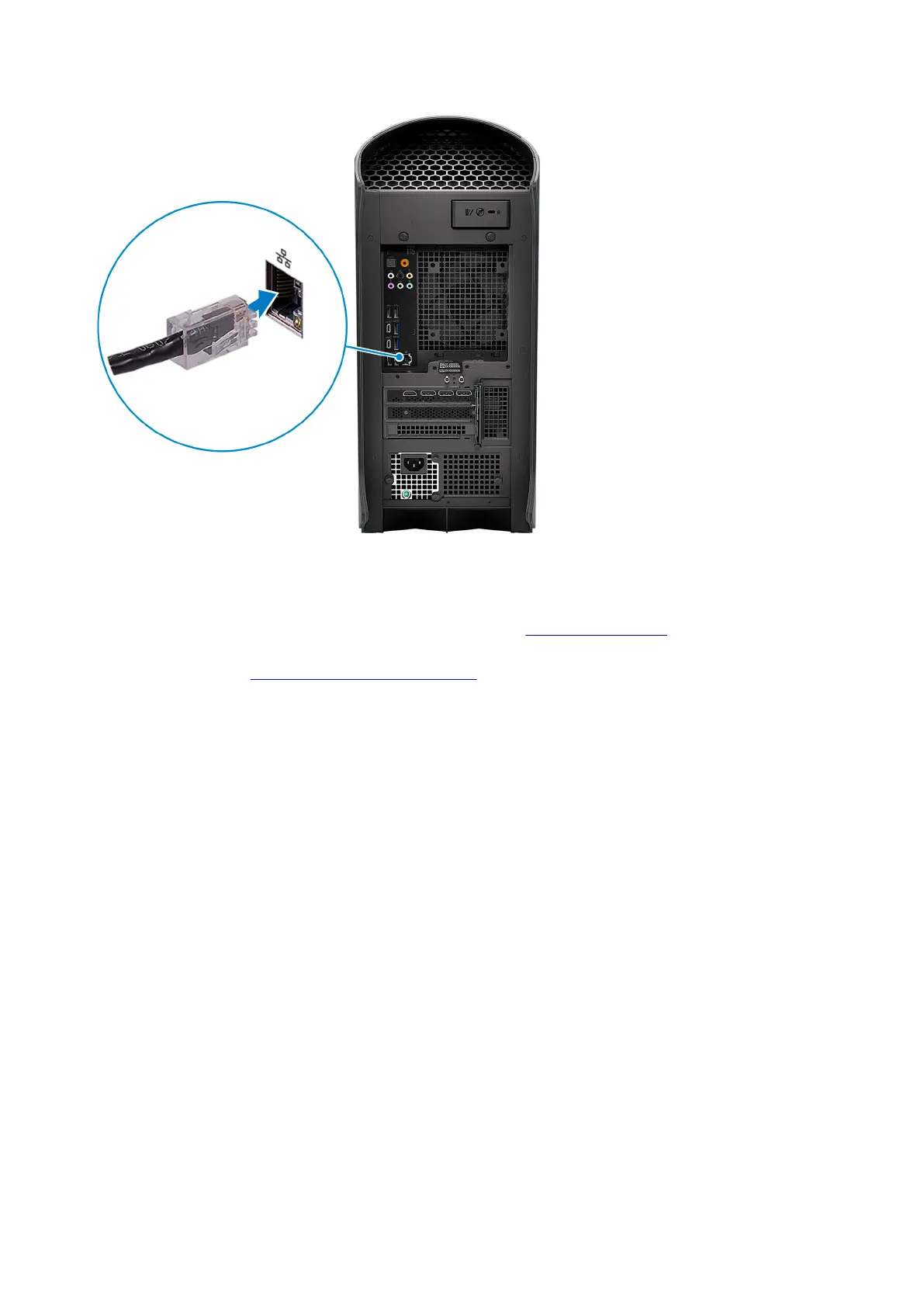
Wireless network:
This computer is shipped with an external puck antenna. Connect the external antenna during setup, to connect to WiFi and
Bluetooth and improve the memory performance, while setting up your operating system. For more information about how to
connect and placement of antenna, see the Antenna Installation Guide at
www.dell.com/support.
To connect the antenna cables, follow the below procedure:
a. Follow the procedure in Before working inside your computer.
b. Align and connect the antenna cables to the SMA connectors on the chassis.
c. Tighten the bolts to secure the antenna cables to the SMA connectors on the chassis.
6















 To Next Page