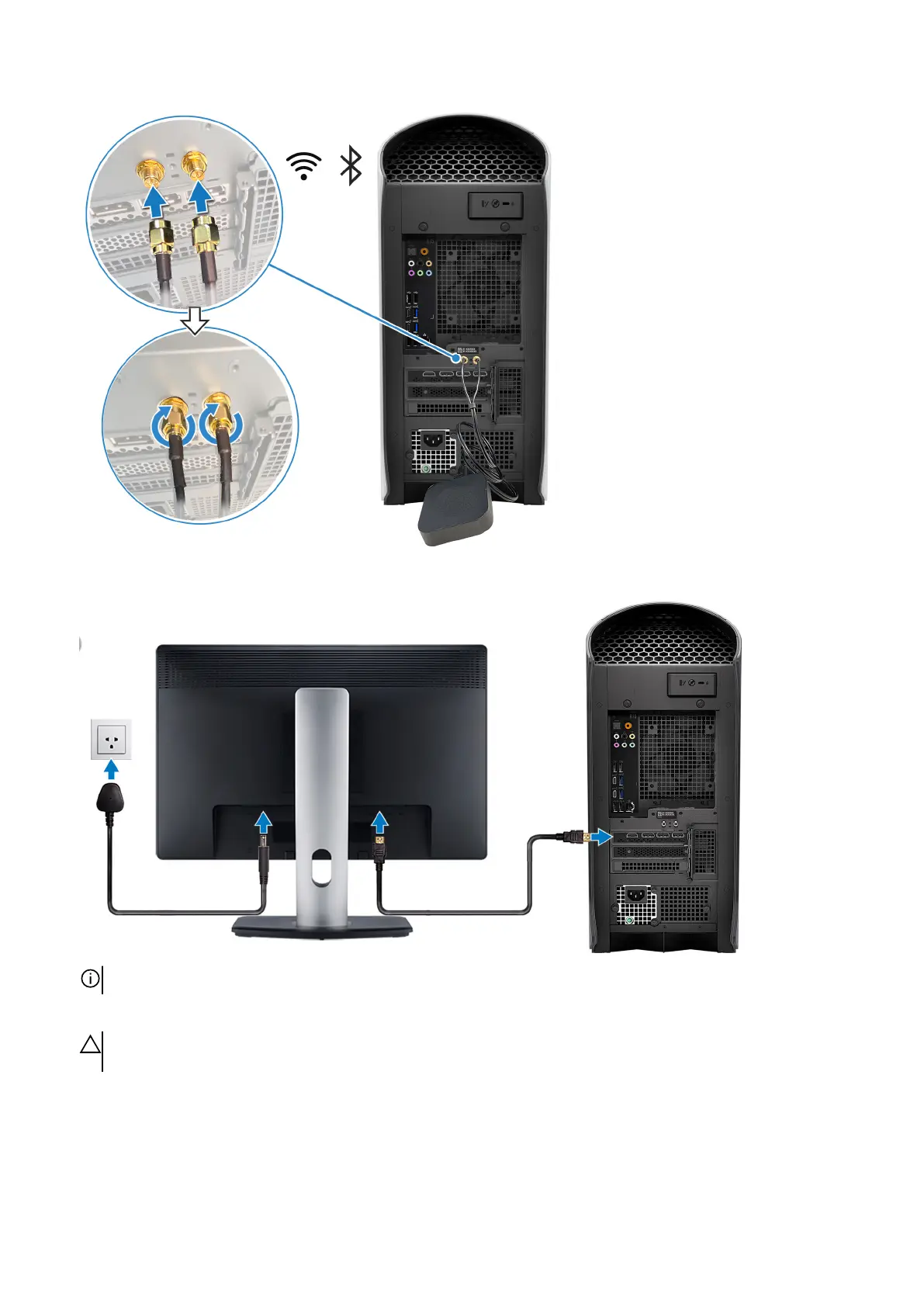
3. Connect the display. For more information about setting up the display, see the documentation that is shipped with your display.
NOTE: Connect the display to the discrete graphics card of your computer.
4. Connect the power cable to the computer and then connect it to the wall outlet.
CAUTION: If you are using a 1350 W Power-Supply Unit (PSU), connect the power cable to a Power Distribution Unit
(PDU) 16 A, and then connect the PDU to the wall outlet.
7















 To Next Page